3
Hot plug,plug&play supported
Switch Yes
Licenses CE,FCC
Measurements 132.6x81.5x15.6mm
Supported OS Windows XP/7/8/10;Mac9.0 or above,Linux
Packing list
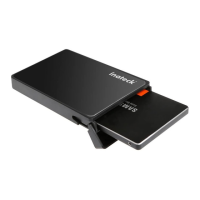
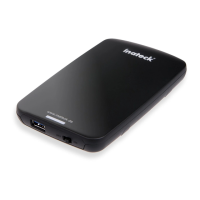
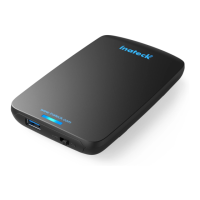
Inateck FE2013 × 1
USB 3.0 data cable × 1
Instruction manual × 1
Sponge Pad × 1
Note
a. Make sure data access and transfer are stopped when
remove the hard drive enclosure from computer, otherwise
data loss might happen.
b. To ensure normal work, please make sure the rated power of
hard drive complies with the output power of the USB port
on the hard drive enclosure.
c. Hard drive will automatically start sleep mode if idle state
lasts 30 minutes, when LED comes into breathing light state.
Data access to the drive will restore operational mode.
d. Normally a drive can be used with the enclosure directly,
which will be shown as "New Disk" on computer. If
"New Disk" does not appear, there might be something
wrong with your disk partition or format. In that case,
please use the partition and formatting program that
come with system to reformat the hard drive. (Right click
“Computer”>Management>Disk Management)
e. Due to dierent thickness of 2.5”hard drive, a sponge pad
was provided. Users are suggested to paste the pad on the
inner side of the enclosure shell, to avoid hard drive sliding
if it is too thin.


 To Next Page