II. Product Components
A. Product Components
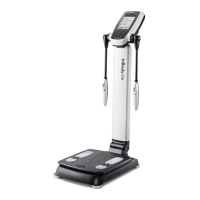
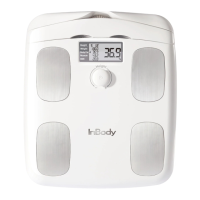
Product components: InBody, User’s Manual, AA Battery (4)
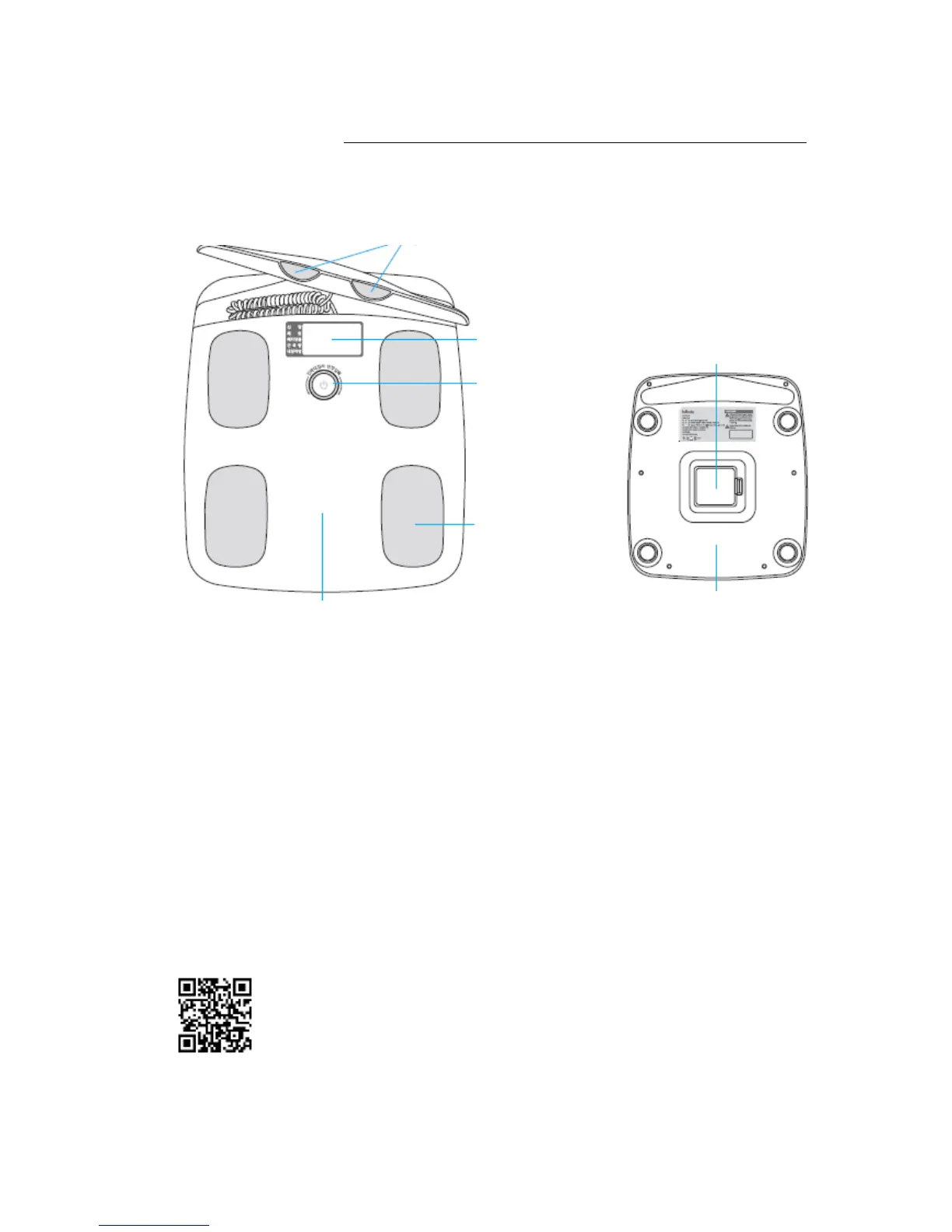
(3)Hand electrodes
(1) Display screen
(6) Battery insert
(2) Dial
(4) Foot electrodes
(5) Footplate (7) Back cover
(1) Display screen: Displays outcomes on the screen.
(2) Dial: Use to power ON/OFF, input height and check results.
(3) Hand electrodes: User holds the device with hands and fingers.
(4) Foot electrodes: User stands on the device, placing the back of heels on the rear electrodes,
(5) Footplate: Measures the weight of the user.
(6) Battery insert: The InBody takes 4 AA batteries. Open the cover to insert the batteries.
(7) Back cover: Only InBody service team members can open.
B. Installation and User Registration of InBody App
(1) You need an InBody App to run an InBody Test.
(min. iOS 8, min. Android 5.0)
(2) Download the InBody App from iPhone App Store and Google Play Store.
Scan the QR Code below to move to the App Download page.
For an Android phone, turn on NFC(Read/Write) and touch the NFC mark on the rest to move to
the app download page automatically.
(3) Download and run the InBody App for user registration.


 To Next Page