16
GB
Description
of the appliance
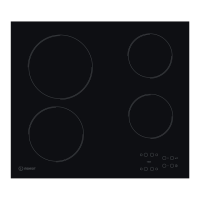
Control panel
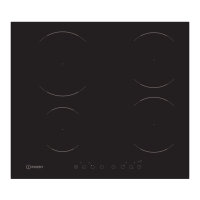
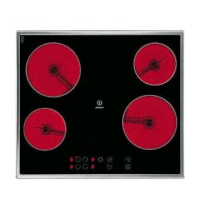
The control panel described in this manual is only a representative example: it may not exactly match the panel
on your appliance.
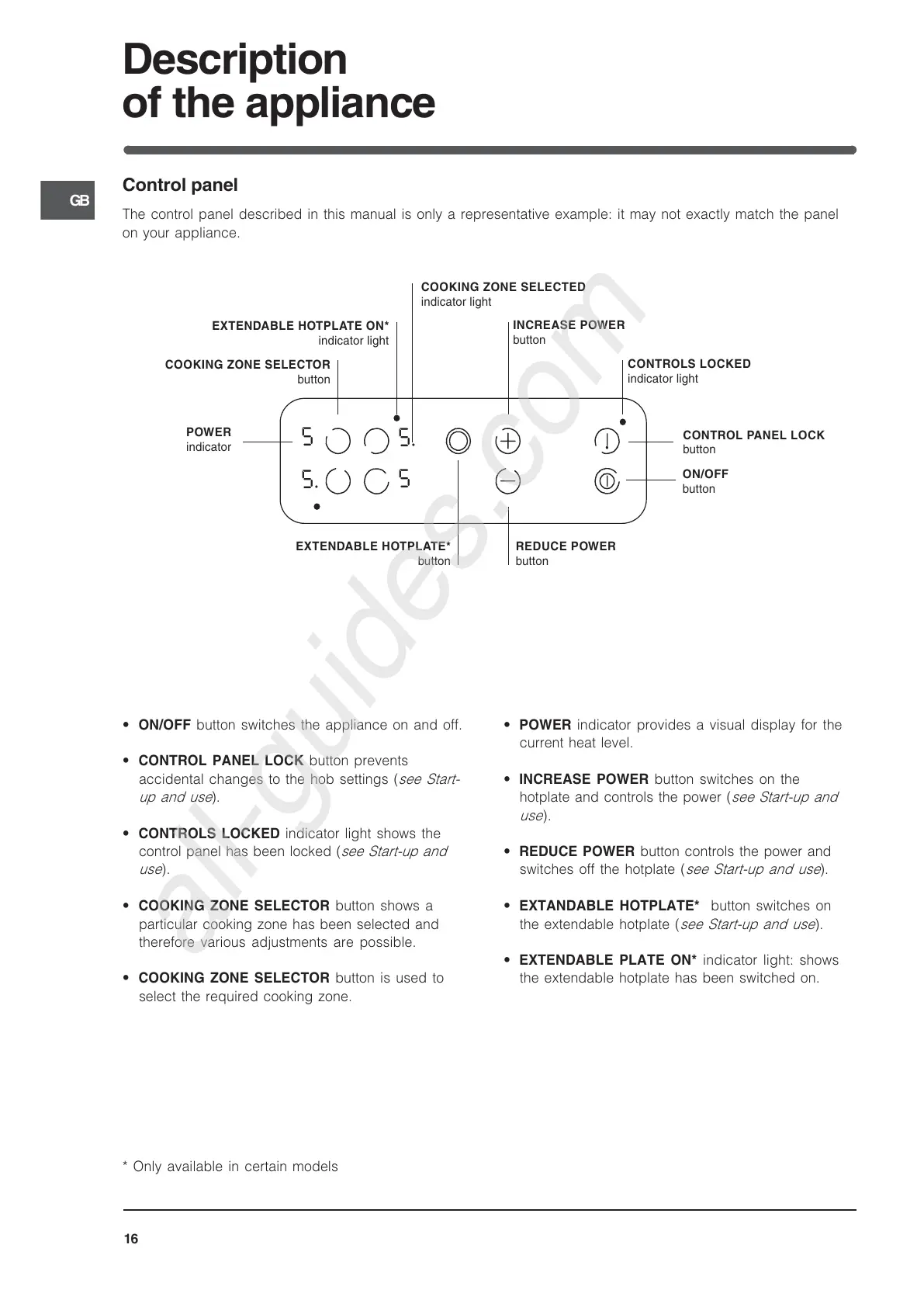
POWER
indicator
CONTROLS LOCKED
indicator light
COOKING ZONE S ELECTOR
button
CONTROL PANEL LOCK
button
ON/OFF
button
INCREAS E POWER
button
REDUCE POWER
button
5.
5
5
5
.
EXTENDABLE HOTPLATE ON*
indicator light
EXTENDABLE HOTPLATE*
button
COOKING ZONE S ELECTED
indicator light
ON/OFF button switches the appliance on and off.
CONTROL PANEL LOCK button prevents
accidental changes to the hob settings (see Start-
up and use).
CONTROLS LOCKED indicator light shows the
control panel has been locked (see Start-up and
use).
COOKING ZONE SELECTOR button shows a
particular cooking zone has been selected and
therefore various adjustments are possible.
COOKING ZONE SELECTOR button is used to
select the required cooking zone.
POWER indicator provides a visual display for the
current heat level.
IN
CREASE POWER button switches on the
hotplate and controls the power (see Start-up and
use).
REDUCE POWER button controls the power and
switches off the hotplate (see Start-up and use).
EXTANDABLE HOTPLATE* button switches on
the extendable hotplate (see Start-up and use).
EXTENDABLE PLATE ON* indicator light:
shows
the extendable hotplate has been switched on.
* Only available in certain models



 To Next Page