8.
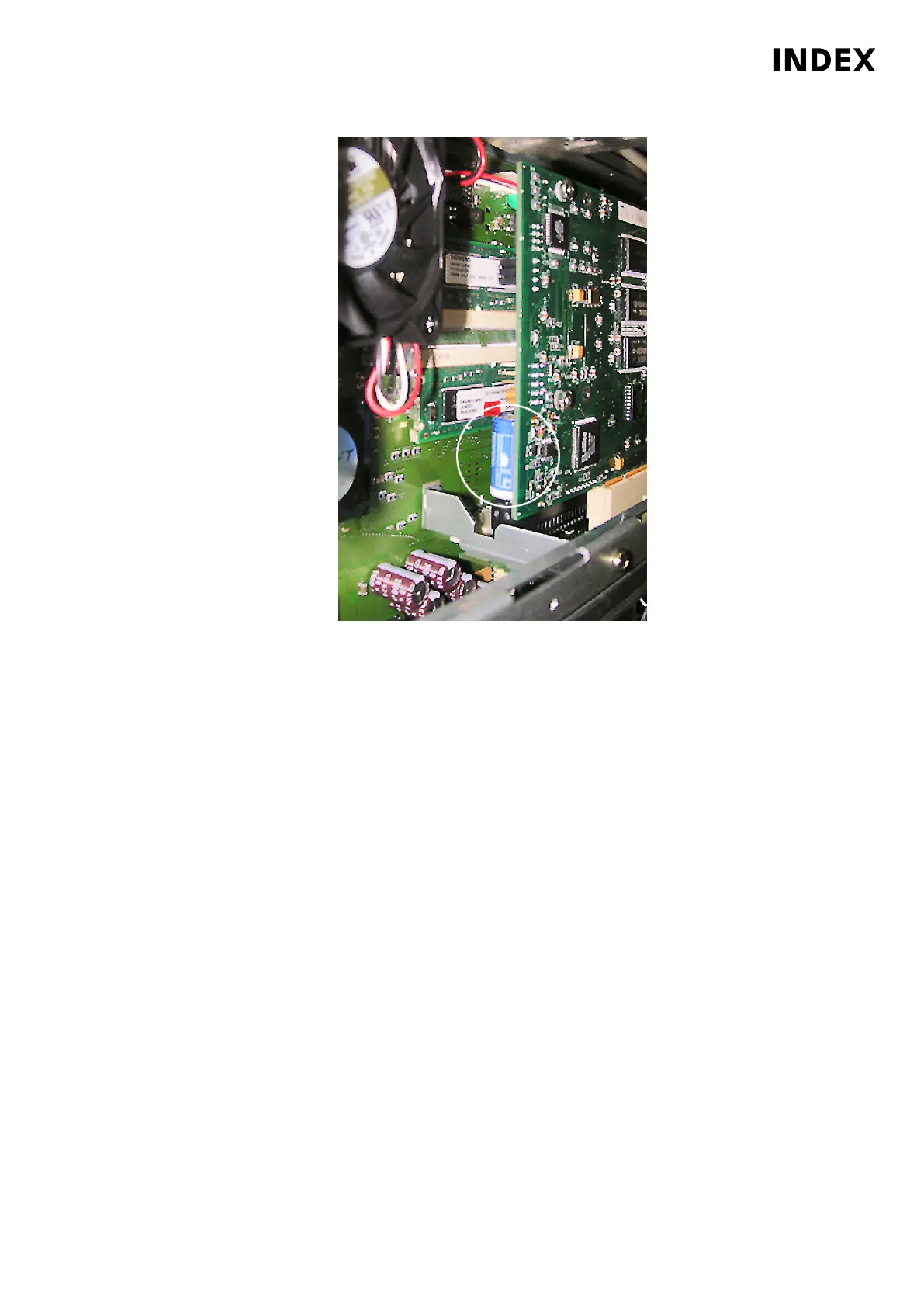
Example: ARTIS battery replacement
Replace battery for ARTIS machine and tool monitoring (option). Pull off battery
connector, remove battery and replace it with a new one. Reconnect
connector. Make sure of the correct polarity (red = +) when installing.
Indicate the date of the next interval with the appropriate inspection sticker on
the battery interval label.
9. Switch on the machine. After replacing the batteries, the machine can be
turned on again. Any error messages such as battery alarms should no longer
be displayed. Check date and time and adjust if necessary.
Maintenance Summary - 4.000 Operating hours
107
Maintenance Instructions
C100
LP1602.10091 - 05.06.2019



 To Next Page