EasyManua.ls Logo

Inepro DMMetering PRO1D V11.111 - User Manual

Default Icon
16 pages
Print Icon
To Next Page IconTo Next Page
Loading...
PRO1 V11.xxx series MID
DIN rail single phase two wire energy meter
PRO1D V11.111
PRO1D V11.112
PRO1D V11.121
PRO1D V11.122
PRO1D V11.211
PRO1D V11.212
PRO1D V11.221
PRO1D V11.222
Version 1.12
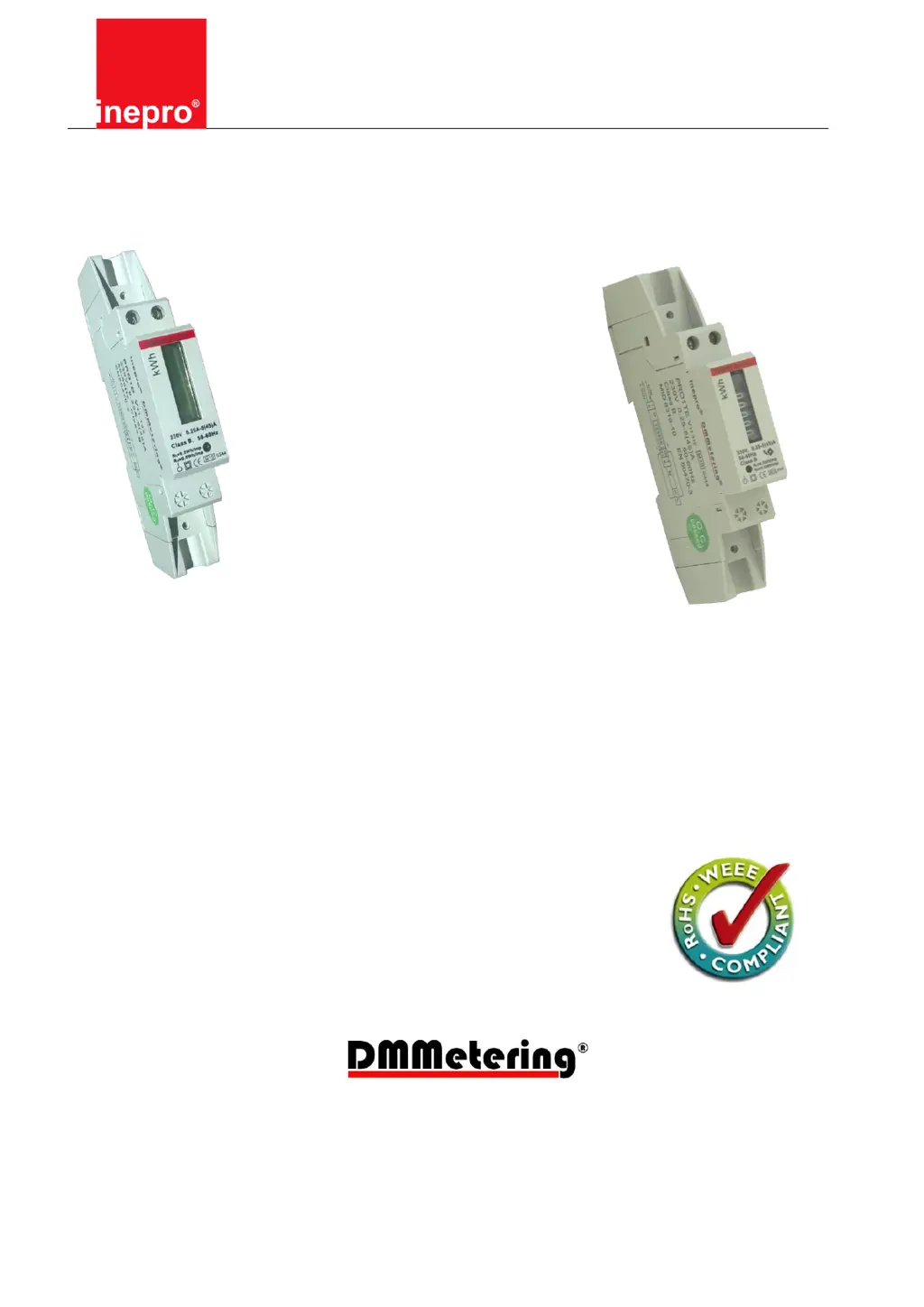
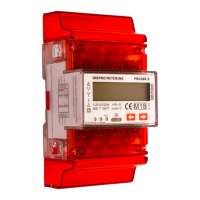
Note: the picture on the frontpage is a meter from the series of this meter, it might not
be exactly the same as the meter you bought

Questions and Answers

  • J
    jonathan29Jul 25, 2025
    What to do if there is no pulse output from Inepro Measuring Instruments?
    • A
      angela29Jul 26, 2025
      If the Inepro Measuring Instruments pulse output isn't working, first, verify that the external voltage source (Ui) is 5-27V DC using a voltage meter. The problem might be that the pulse output isn't supplied with DC power. Also, ensure the connection is correct: the 5-27V DC should connect to the collector (pin 20+), and the signal wire (S) to the emitter (pin 21-). The issue could be that the pulse output is not connected correctly. If these steps don't resolve the issue, there may be a fault inside the meter.
  • A
    Amy MartinezAug 5, 2025
    What to do if the register doesn’t count on Inepro Measuring Instruments?
    • J
      Jasmine DiazAug 5, 2025
      If the register on your Inepro Measuring Instruments isn’t counting, start by checking if the red consumption LED is flashing. The reason might be that there is almost no load connected to the meter. If the LED is not flashing, there may be a fault inside the meter.
  • R
    Robert StevensonAug 14, 2025
    Why is the red consumption LED not flashing on my Inepro Measuring Instruments?
    • S
      simmonsryanAug 14, 2025
      If the red consumption LED (PULSE LED) on your Inepro Measuring Instruments isn't flashing, it could be due to a few reasons. First, ensure a load is connected to the meter. The problem might be that there is no load connected to the meter. If a load is connected, use an Ohm-meter to check if the load value is very low, because the load on the line may be very low. If these checks don’t solve the problem, there may be a fault inside the meter.

Summary

PRO1 V11.xxx Series MID

Safety Instructions

Qualified Personnel

Installation and operation may only be performed by qualified personnel with knowledge of electrical safety.

Use for the Intended Purpose

Device must be used only for specified applications and with approved Inepro Metering B.V. components.

Proper Handling

Prerequisites for operation include proper transport, storage, installation, connection, operation, and maintenance.

Foreword

MID Certificate

CE Certificates

Type Number Table

Performance Criteria

Specifications

Basic Errors

Description

Dimensions

Installation

Operation

Consumption Indication

Details the function of the red LED indicator for measuring consumption and its flashing rate.

Reading the Meter

Explains how to read the meter's energy consumption, distinguishing between digital and mechanical registers.

Mechanical Register

Describes the 5+1 digit mechanical register used in PRO1TE series, including its reading accuracy.

Digital Register

Describes the 5+2 digit LCD digital register used in PRO1D series, including its reading accuracy.

Pulse Output

Explains the meter's pulse output feature, optically isolated for remote reading or accuracy testing.

Troubleshooting

Technical Support

SOP Table

Inepro DMMetering PRO1D V11.111 Specifications

General IconGeneral
Mounting TypeDIN Rail
Current5A
Frequency50/60 Hz
Frequency Range45 - 65 Hz
DisplayLCD
Power Supply230V AC
Voltage230V AC
CommunicationModbus RTU
Measurement CategoryCAT III
Current Range0-5A AC

Related product manuals