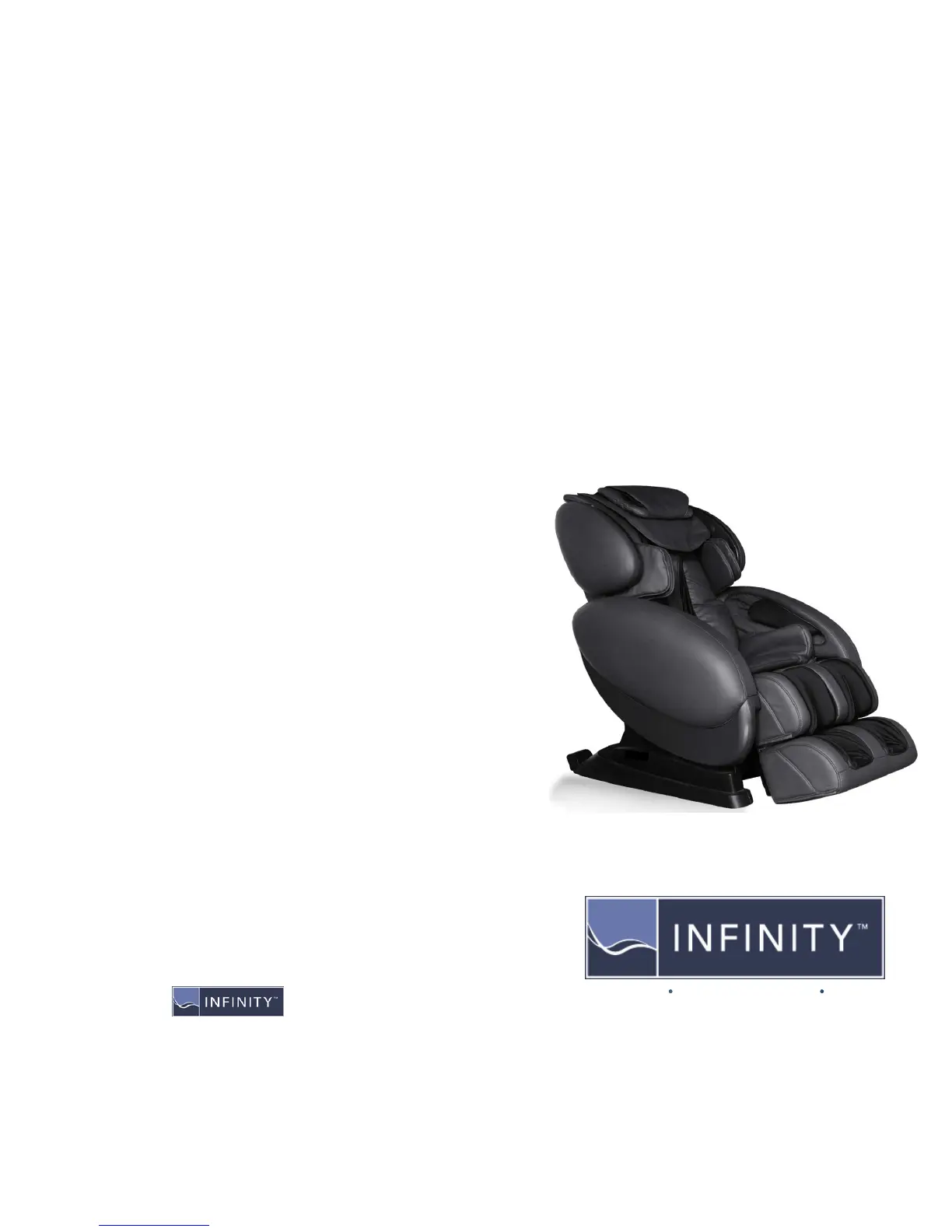
INFINITY8500SERIES
QUICKSTARTGUIDE
Once your chair is plugged in and the power button on the rear lower panel is in the on
position, you can begin using your massage chair. Start by pressing the purple power
button in the middle of your remote.
Auto Programs - You can choose one of the four auto programs to the left and right of
the power button 1) Recover 2) Refresh 3) Extend 4) Relax. The programs take you
through a fully automated massage each addressing your specific needs. The
massage time can be adjusted by pressing the specific program button
repeatedly. Auto timer options are 45, 30, 20, and 10 minutes.
Custom Massage - After pressing the power button then press the “Mode” button
directly below the power button. This activates the first of the six roller massages 1)
Kneading 2) Tapping 3) Combo –Knead/Tap 4) Knocking 5) Shiatsu 6) Music
Sync. To change to the next massage simply press the “Mode” button again.
While enjoying any custom massage, you can further customize by selecting the
“Speed” and/or “Width” buttons to the left of the “Mode” button, when the icons are lit
up.
The “Part” button, when pressed the first time will focus the rollers in the current region
of massage. If you press the “Part” button again it will maintain the current roller
position and massage that specific area. The “Up/Down Adjust” buttons at the top left
of the remote allow for micro-adjustments to pin point specific areas.
To enjoy a foot massage, activate the foot rollers with the “Soles” button. The three
speeds can be changed by touching the “Soles” button repeatedly.
Additional customization can be enjoyed by pressing the three buttons to the right of
the “Mode” button: 1)“Arms & Shoulder,” 2)“Upper Body,” & 3)“Leg &
Foot.” Airbags will be activated for each specific region. The “Strength” button to the
right of the “Leg & Foot” button increases/decreases airbag intensity to your personal
preference.
The “Twist” button activates the swivel seat that aids spinal correction. Further adjust
the speed by touching the Twist button repeatedly.
Select “Heater” to activate the Lumbar Heat. Allow a few minutes for the heat benefits
to be felt.
Music – Relax to your own music selection using a USB Flash Drive. Download music
onto any USB Device, plug it into the port on the rear of the chair base next to the
power cord. Music controls are located in the
middle of your remote above the power
button. By selecting “Mode” 6 times, you can sync your entire massage in rhythm with
your music.
INFINITY8500SERIES
QUICKSTARTGUIDE
Infinite Therapeutics 68 Route 125 Kingston, NH 03848 (603) 347-6006











 To Previous Page