USB
Operation
~
1.
USB
Playback
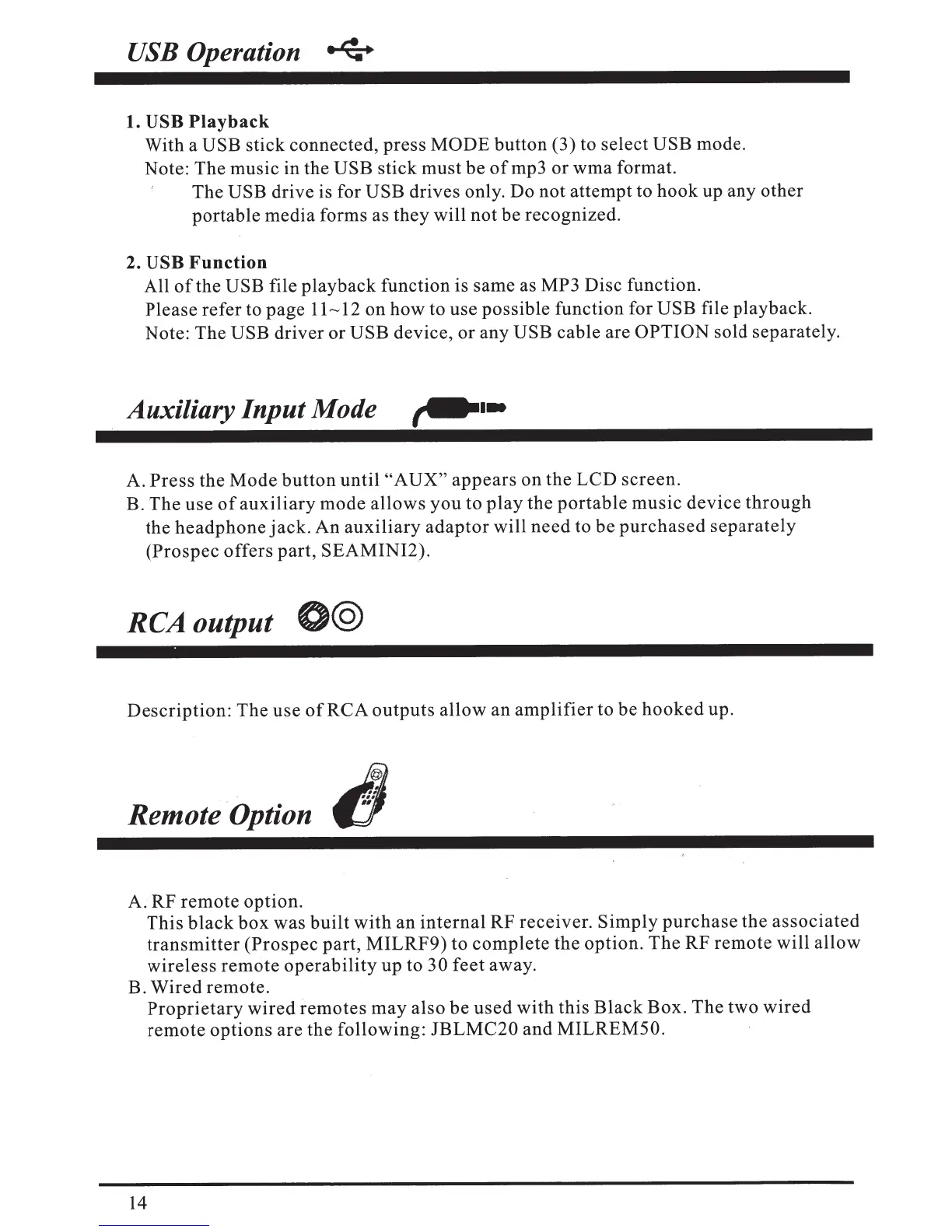
With a
USB
stick connected, press MODE
button (3) to select
USB
mode.
Note: The music in the
USB
stick must be
ofmp3
or wma format.
The
USB drive is for
USB
drives only. Do not attempt to hook up
any
other
portable media forms as they will not be recognized.
2.
USB
Function
All
of
the
USB file playback function is same as MP3 Disc function.
Please refer to page
11---12
on how to use possible function for USB
file playback.
Note: The
USB
driver or
USB
device, or any USB
cable are
OPTION sold separately.
Auxiliary Input Mode
,...
..
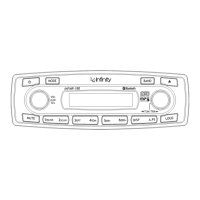
A.
Press
the Mode
button
until
"AUX"
appears
on the LCD screen.
B. The use
of
auxiliary
mode allows
you
to
play
the
portable
music
device
through
the
headphone
jack.
An
auxiliary
adaptor
will
need
to be
purchased
separately
(Prospec
offers part, SEAMINI2).
RCA
output
@@
Description: The use
of
RCA
outputs
allow an
amplifier
to be
hooked
up.
Remote Option
t!l
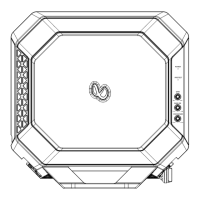
A. RF remote option.
This
black
box
was
built
with
an
internal
RF receiver.
Simply
purchase
the
associated
transmitter
(Prospec part,
MILRF9)
to
complete
the option. The RF
remote
will allow
wireless
remote
operability
up to
30
feet away.
B. Wired remote.
14
Proprietary
wired
remotes
may
also be
used
with
this
Black
Box. The
two
wired
remote
options are the following:
JBLMC20
and
MILREM50.


 To Next Page