16
Build your own
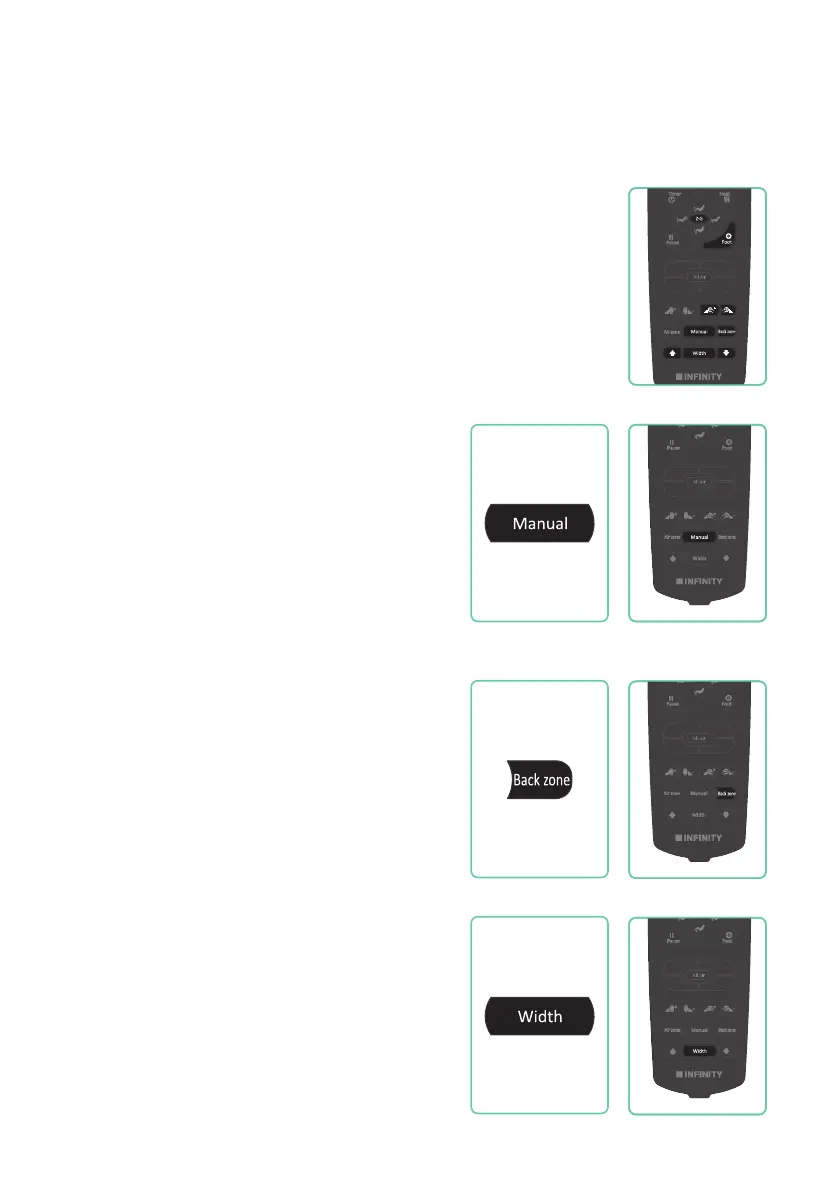
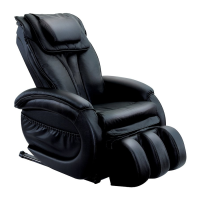
In Manual mode you can operate components of your massage chair
individually or combine them to create unique massage scenarios.
Press the MANUAL button on your remote control to toggle
between massage techniques: KNEADING, KNOCKING, KNEADING &
KNOCKING, TAPPING, and SHIATSU.
Manual Programs
Back Massage Technique Mode
Massage Part (Back Region)
Press the MANUAL button on your remote control
to select your desired massage technique:
Press button once for Kneading.
Press button twice for Knocking.
Press button three times for Kneading & Knocking.
Press button four times for Tapping.
Press button five times for Shiatsu.
Press the BACK ZONE button on your remote
control to select your desired region: Point,
Partial, and Whole massage.
Point stops on the track for targeted relief.
Partial travels a short distance and reverses
direction for focused relief. Whole travels the
entire length of the track.
Back Node Width
Press the WIDTH button on your remote
control to select your desired width: Narrow,
Medium, or Wide. Width feature works on
Knocking, Tapping and Shiatsu techniques.
I-Full Body II-Recover
IV-RelaxIII-Focus
I-Full Body II-Recover
IV-RelaxIII-Focus
I-Full Body II-Recover
IV-RelaxIII-Focus
I-Full Body II-Recover
IV-RelaxIII-Focus










 To Next Page