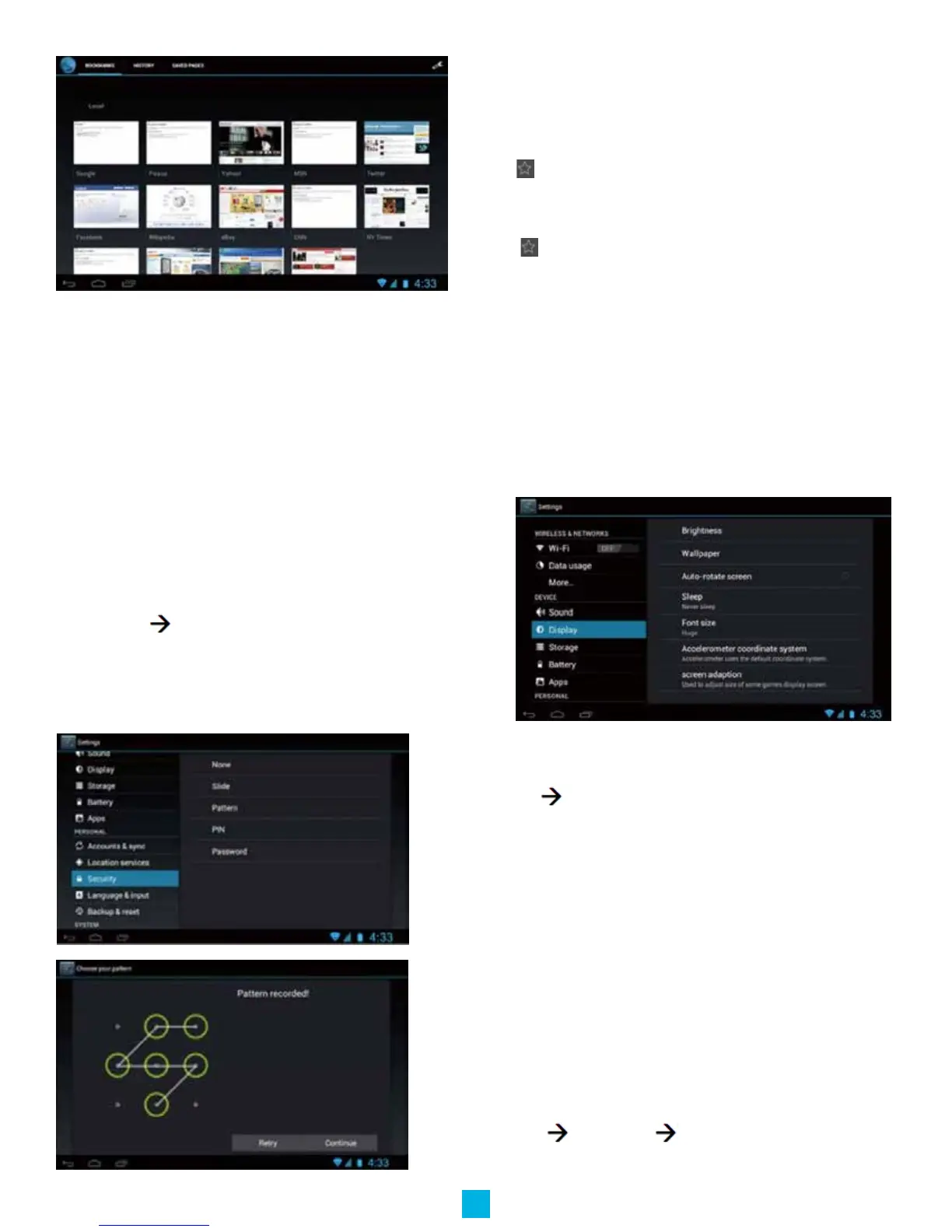
Bookmark management
Setting webpage bookmark
1.Gotoanywebpage.
2.Tap andselect“OK”toaddthiswebsitetobookmark.
Opening a bookmark
1.Tap ,anditwillshowbookmarklistinthebrowser.
2.Tapthebookmarkyouwanttoopenthatwebpage
System settings
Voice and display
Sound and volume setting
1.Tapthesettingicon.
2.Tap“Sound”.
3.Tapvolumetoadjustthevolumeformusicandvideo.
4.Orpress“VOL+”or“VOL–Button”toadjustthevolume.
Display settings
Adjust the brightness of your screen
1.Tapthesettingicon.
2.TapdisplayTapbrightness,aslidebarwillopen.Slidethis
bartotherighttoincreasebrightness,andtothelefttodecrease
brightness
3.TapOK.
Adjust screen standby time
1.Tapthesettingicon.
2.TapdisplayTap“Sleep”,selecttheamountofidletimeyou
wanttopassbeforethedeviceentersstandbymodetoconserve
power.
Setting a screen lock
NOTE- If you set a password, PIN, or Pattern, and later
forget this item, you will be LOCKED OUT of your device.
For security purposes, we can NOT recover a lost password,
PIN, or Pattern for you.
Youcansetapassword,PIN,orpatterntosecureyourdevicefrom
unauthorizedaccessandprotectyourprivacy.
Note:anytimethedeviceentersstandbymode(pressingthepower
buttonbrieyorduetoidletime)youmustenteryourpassword,
PIN,orpatterntounlockit,ifyouhaveoneset.
1.Tapthesettingicon.
2.TapSecurityScreenlockThenchosethescreenlock
typeyouwant.
9


 To Next Page