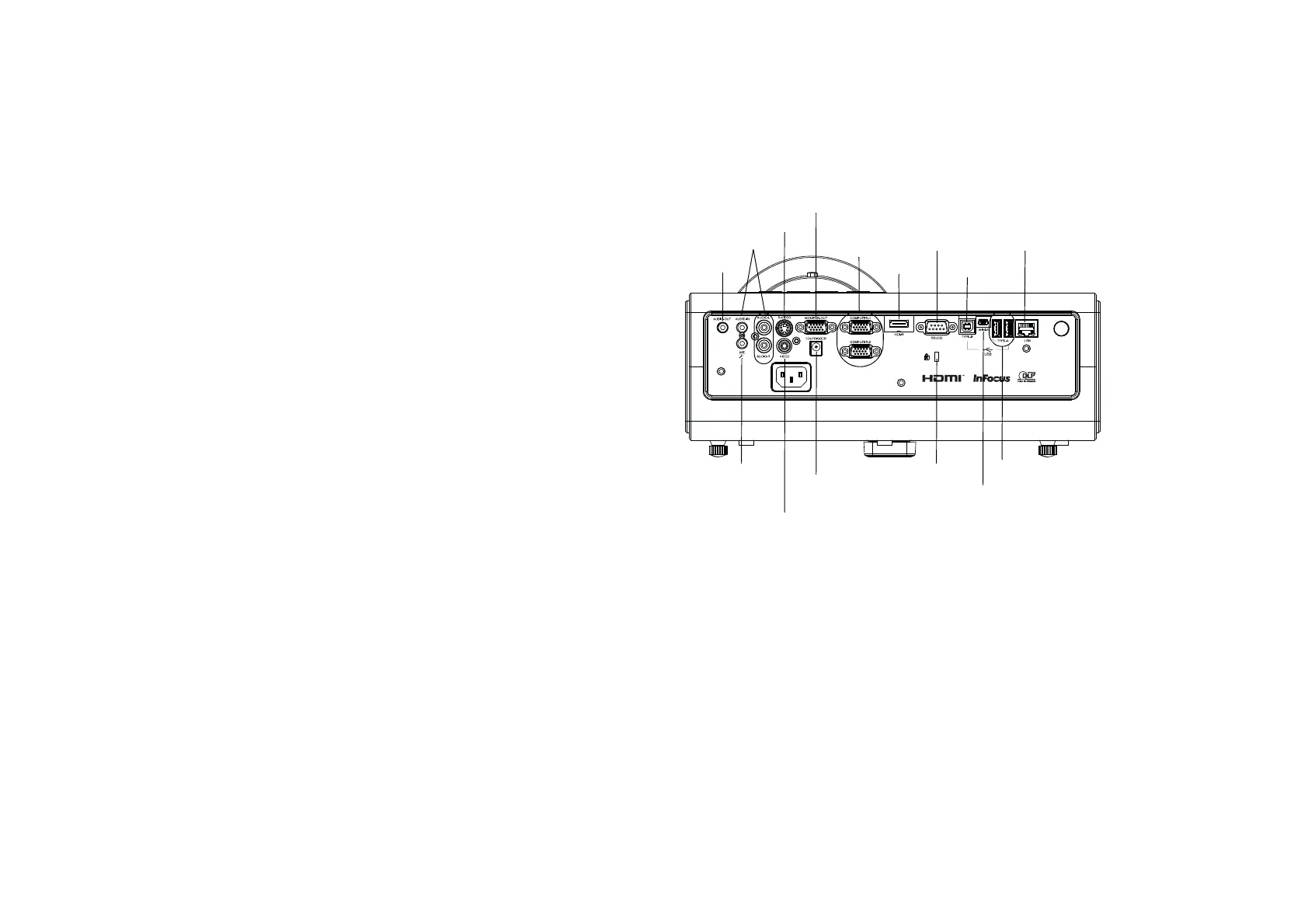
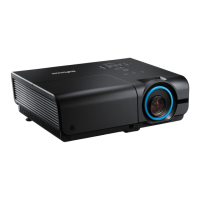
The projector provides both computer and video connection options, including:
•HDMI
• VGA computer (2)
•S-video
• Composite video
• Monitor out (for external monitors)
• Audio inputs (1 RCA; 2 3.5mm)
• Audio output
• Microphone input
• USB A (2 - for JPEG presentations from a USB flash drive and for connecting a
mouse, keyboard or wireless adapter)
• USB mini B (for presentation slide and LiteBoard Wand control)
• USB B (for firmware upgrades)
• LAN (RJ45 for network control and video over LAN)
• 12 volt DC output (for screen trigger)
• RS232 (Serial command codes available at www.infocus.com/support)
RS 232
computer
composite video
audio out
USB type A
S-video
security lock
HDMI
USB type B
LANaudio in
monitor out
USB mini B
microphone in
12V DC output



 To Next Page