66
OPTION menu
Item Description
DIRECT POWER
ON
Using the ▲/▼ buttons turns the DIRECT POWER ON function on/
off,
ON
ó
OFF
When this function is ON, the lamp inside the projector will automatically
turn on when the projector is supplied with power instead of following
the usual procedure (
24
).
• After the lamp is turned on using the DIRECT POWER ON function
and the 30 minutes have lapsed without a signal source input or
any user operation, the projector will turn off, even when the AUTO
POWER OFF function (
below
) is disabled.
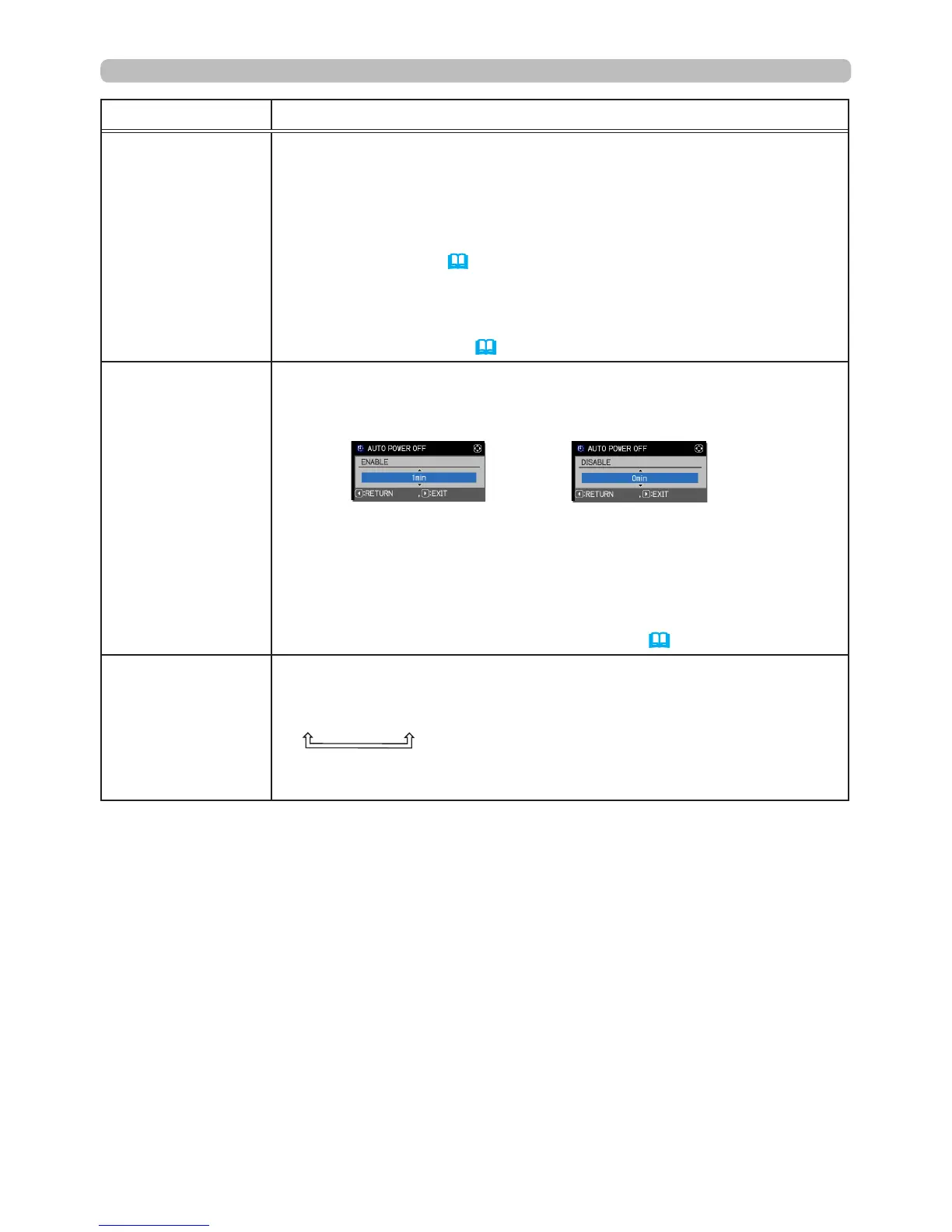
AUTO POWER
OFF
Using the ▲/▼ buttons adjusts the time to count down to
automatically turn the projector off.
Long (max. 99 minutes)
ó
Short (min. 0 minute = DISABLE)
When the time is set to 0, the projector will not turn off automatically.
When the time is set to 1 to 99 and there has been not been a
compatible signal within that time, the projector lamp will turn off.
If one of the projector or remote control buttons is pressed or a
command (except read commands) is transmitted to the
CONTROL
port during the corresponding time, the projector will not turn off.
Refer to the section
Turning off the power
(
24
).
SHUTTER TIMER
Using the ▲/▼ buttons sets the time from closing the lens shutter
to automatically turning the projector off.
1h
ó
3h
ó
6h
• The shutter will open automatically when the projector is turned on
again.
(continued on next page)





 To Next Page