EasyManua.ls Logo

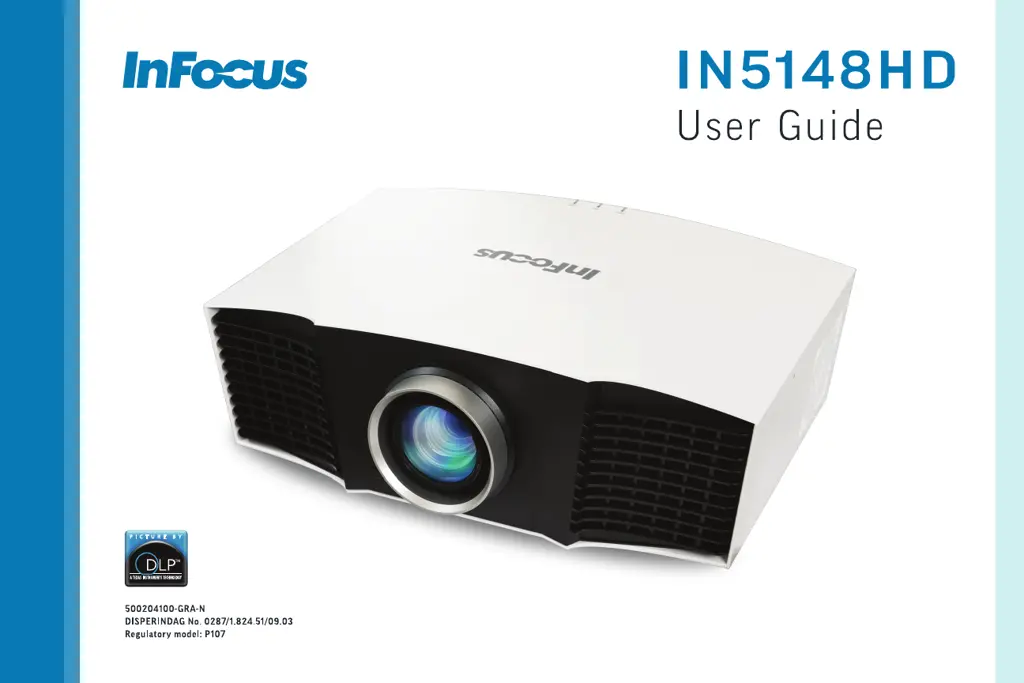
InFocus IN5148HD - User Manual

InFocus IN5148HD
40 pages
Print Icon
To Next Page IconTo Next Page
Loading...

Questions and Answers

  • S
    scott54Aug 9, 2025
    How to fix InFocus IN5148HD no start up screen?
    • S
      sarahaynesAug 9, 2025
      If your InFocus Projector isn't showing the start-up screen, ensure the power cord is securely plugged into the projector and then press the Power button to turn it on.
  • M
    mitchellcaitlinAug 13, 2025
    What to do if the image is fuzzy or cropped on InFocus Projector?
    • W
      wsimmonsAug 13, 2025
      To resolve a fuzzy or cropped image on your InFocus Projector, adjust your computer's 'Resolution' setting to match the projector's native resolution. This should ensure a clear and properly sized image.
  • B
    Brian WilsonAug 19, 2025
    Why does only the start up screen appear on my InFocus IN5148HD?
    • B
      Brenda ScottAug 19, 2025
      If your InFocus Projector only displays the start-up screen, try pressing the SOURCE button to select the correct input. You may also need to activate your laptop's external display port or restart your laptop.
  • R
    Richard WarrenAug 25, 2025
    What to do if InFocus IN5148HD says 'Signal out of range'?
    • C
      Charles SmithAug 25, 2025
      If your InFocus Projector displays 'Signal out of range' instead of your computer's image, press the Auto Image button on the remote. Also, adjust your computer's refresh rate and resolution; you might need to set a different resolution.
  • O
    Olivia KellerAug 28, 2025
    Why only laptop background appears on InFocus IN5148HD?
    • G
      grimesallisonAug 29, 2025
      If your InFocus Projector only shows your laptop's background and not the desktop icons, change the Multiple Display setting on your laptop to 'Duplicate these displays'.
  • S
    smithdavidSep 2, 2025
    How to center the image on InFocus Projector screen?
    • Y
      Yvonne MoraSep 3, 2025
      If the image is not centered on the screen with your InFocus Projector, you can physically move the projector. Alternatively, adjust the lens shift, both horizontally and vertically, through the Lens menu found in the Basic Menu settings.

InFocus IN5148HD Specifications

General IconGeneral
BrandInFocus
ModelIN5148HD
CategoryProjector
LanguageEnglish

Related product manuals