26
Using the menus
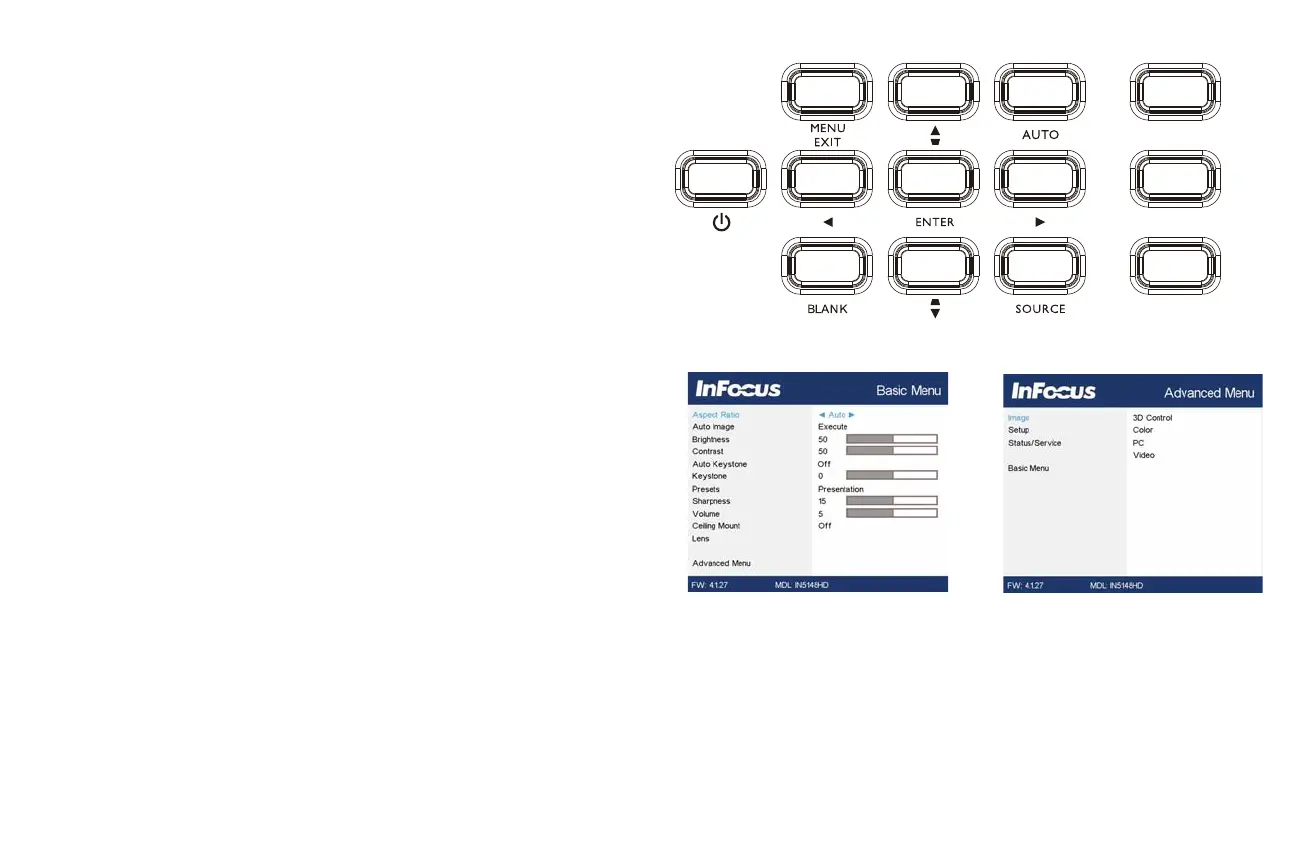
1 To open the menus, press the Menu button on the keypad or remote. (The
menus automatically close after 60 seconds if no buttons are pressed.) Use the
arrow buttons to move up and down to review the menu options.
2 To enter a submenu, highlight the desired submenu and press > on the keypad
or Select on remote.
3 To adjust a menu setting, highlight the desired menu option and press < or > to
scroll through the available adjustments.
4 Press the Menu button to exit the menu system.
The menus are grouped by usage:
• The Basic Menu provides common adjustments.
• The Advanced Menu provides more complex adjustments.



 To Next Page