75
OPTION menu
Item Description
SERVICE
(continued)
INFORMATION
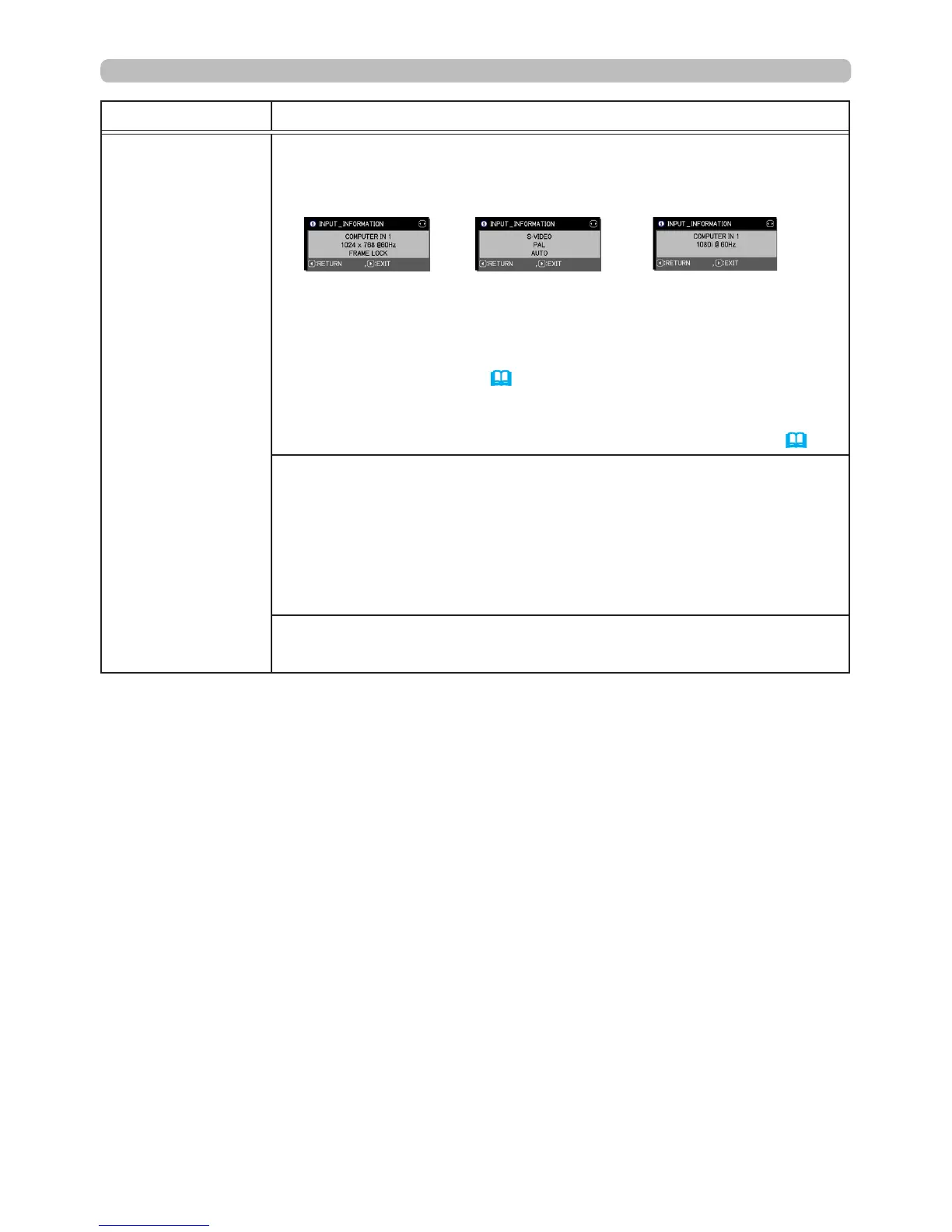
Selecting this item displays a dialog titled “INPUT_INFORMATION”.
It shows information about the current input.
• The “FRAME LOCK” message on the dialog means the frame lock
function is working.
• The “SCART RGB” message means the
COMPONENT
ports are
working as a SCART RGB input port. Refer to the COMPONENT
item in the INPUT menu (
50
).
• This item cannot be selected when there is no signal or sync out.
• When MY TEXT DISPLAY is ON, MY TEXT is displayed together
with the input information in the INPUT_INFORMATION box (
92
).
FACTORY RESET
Selecting OK using the ► button performs this function. This
function causes all the menu items to return to their initial settings.
Note: LAMP TIME, FILTER TIME, LANGUAGE, FILTER MESSAGE,
STANDBY MODE, COMMUNICATION, NETWORK and SECURITY
settings are not reset.
CANCEL
ð
OK
FIRMWARE
Displays the latest rmware code.





 To Next Page