80
NETWORK menu
Item Description
WIRELESS
INFORMATION
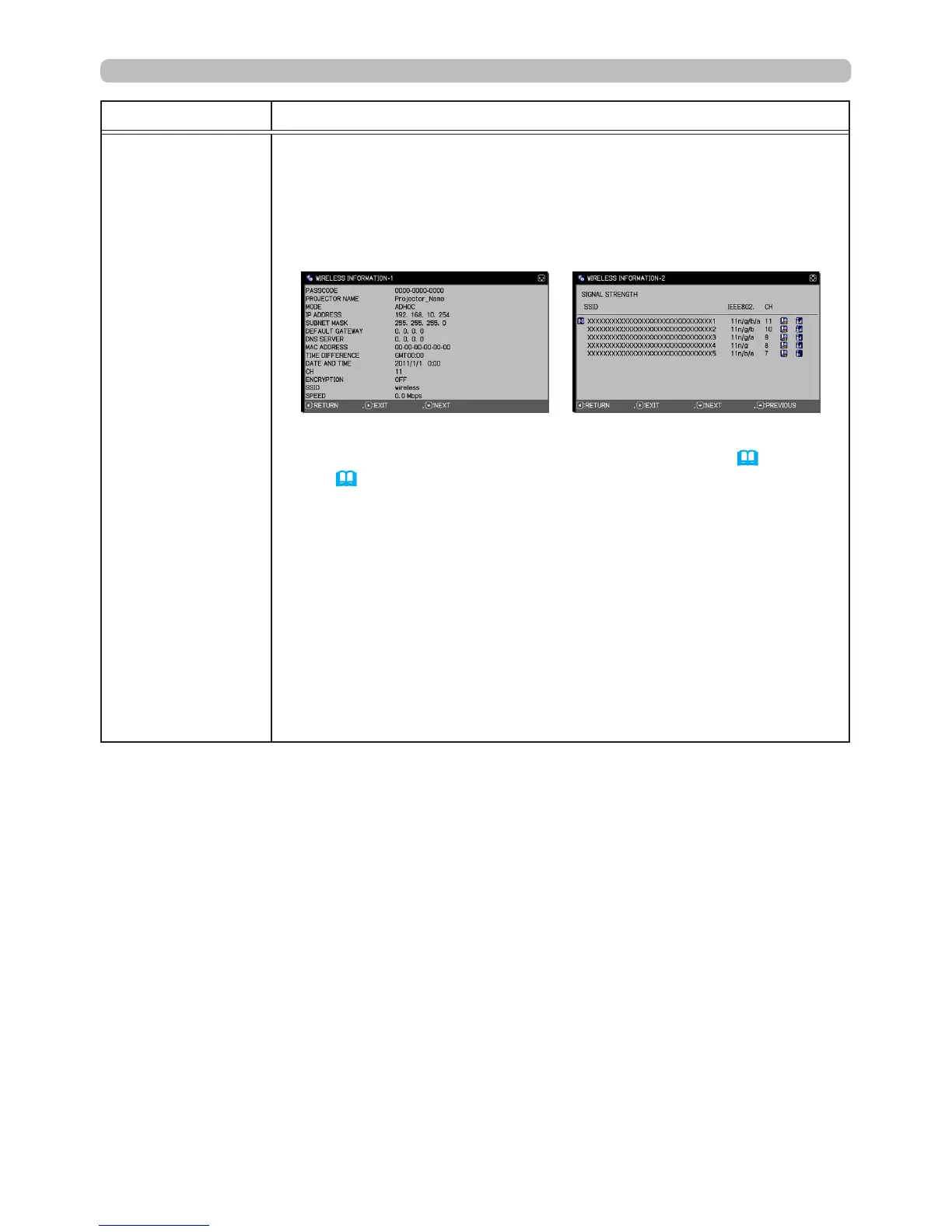
Select this to display the WIRELESS INFORMATION dialog to view
the wireless LAN settings. Use the ▲/▼ buttons to switch the page.
The rst page shows the wireless LAN settings. The second and
subsequent pages display the wireless LAN connection devices
signal information
• For PASSCODE details, refer to the LiveViewer manual.
• Nothing (blank) is shown in the PROJECTOR NAME (
83
) and
SSID (
79
) field until you setup those items. Only the first 16
characters of the PROJECTOR NAME will be displayed.
• IP ADDRESS, SUBNET MASK and DEFAULT GATEWAY indicate
0.0.0.0 under the following conditions:
(1) The USB wireless adapter is not inserted into the projector.
(2) DHCP is ON and the projector did not receive an address from
the DHCP server.
• Nothing (blank) is shown in the CH and SPEED elds if the USB
wireless adapter is not inserted.
• The CH eld will display actual performance and setting
information instead of in the WIRELESS SETUP menu.
• An icon is displayed to the left of the device SSID connected to the
projector.
(continued on next page)





 To Next Page