98
Presentation tools
PC-LESS Presentation (continued)
•
These operations are not accessible when the projector OSD is
displayed.
• The Thumbnail mode is able to display up to 20 les in a page.
• When a Thumbnail screen, Slideshow, or Full Screen image is displayed, you
cannot change the input port using the INPUT button.
• When playing back audio data included in a movie, the image quality may
deteriorate. If you want the image quality to have priority, turn the sound off by
setting ♪ to off.
• If one of the AUDIO IN ports is selected or is selected for USB TYPE A in
AUDIO SOURCE of the AUDIO menu (57), ♪ cannot be operated.
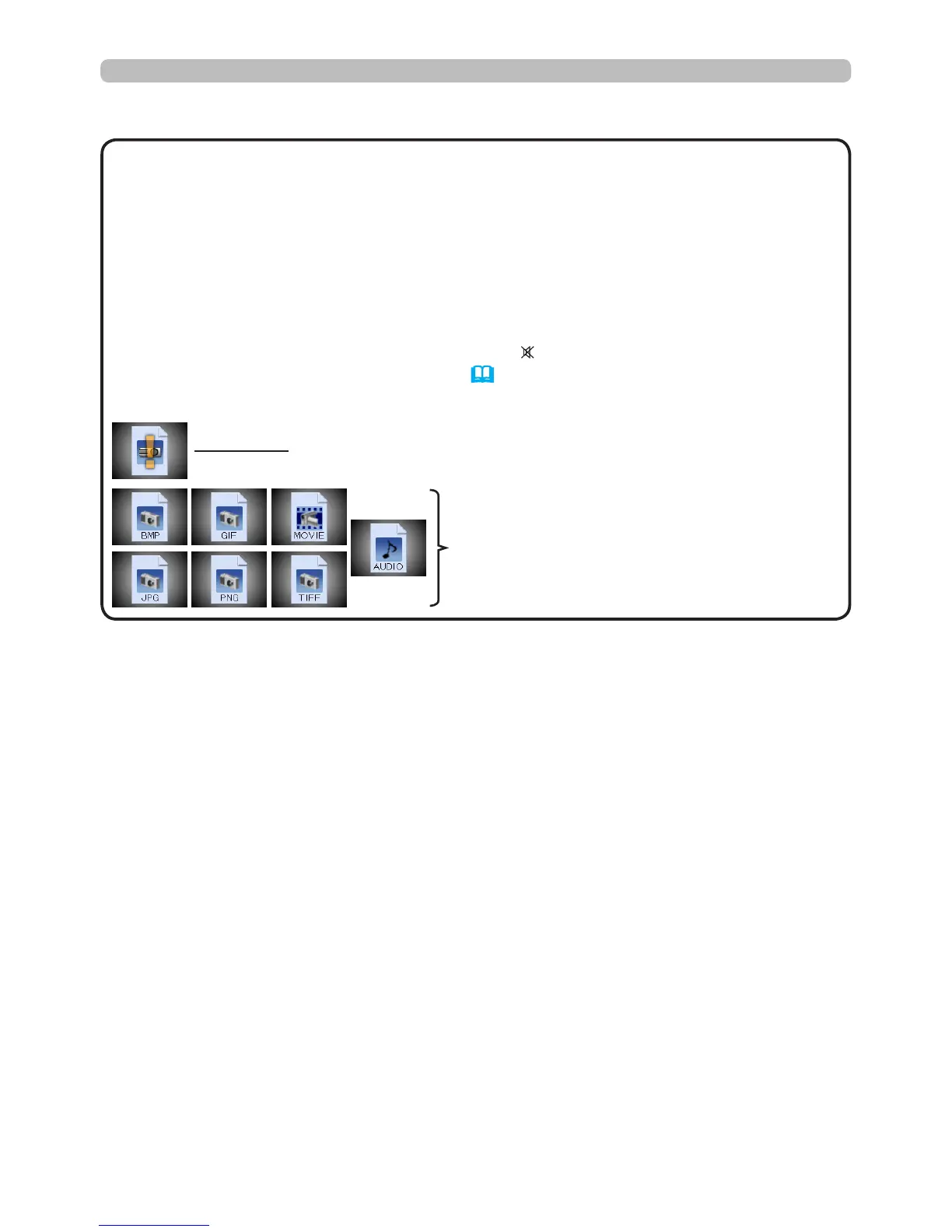
• Some error icons may be displayed on the Thumbnail screen.
NOTE
This le seems to be broken or not supported format.
A le that cannot be displayed on the
Thumbnail screen is indicated by a le
format icon.





 To Next Page