21
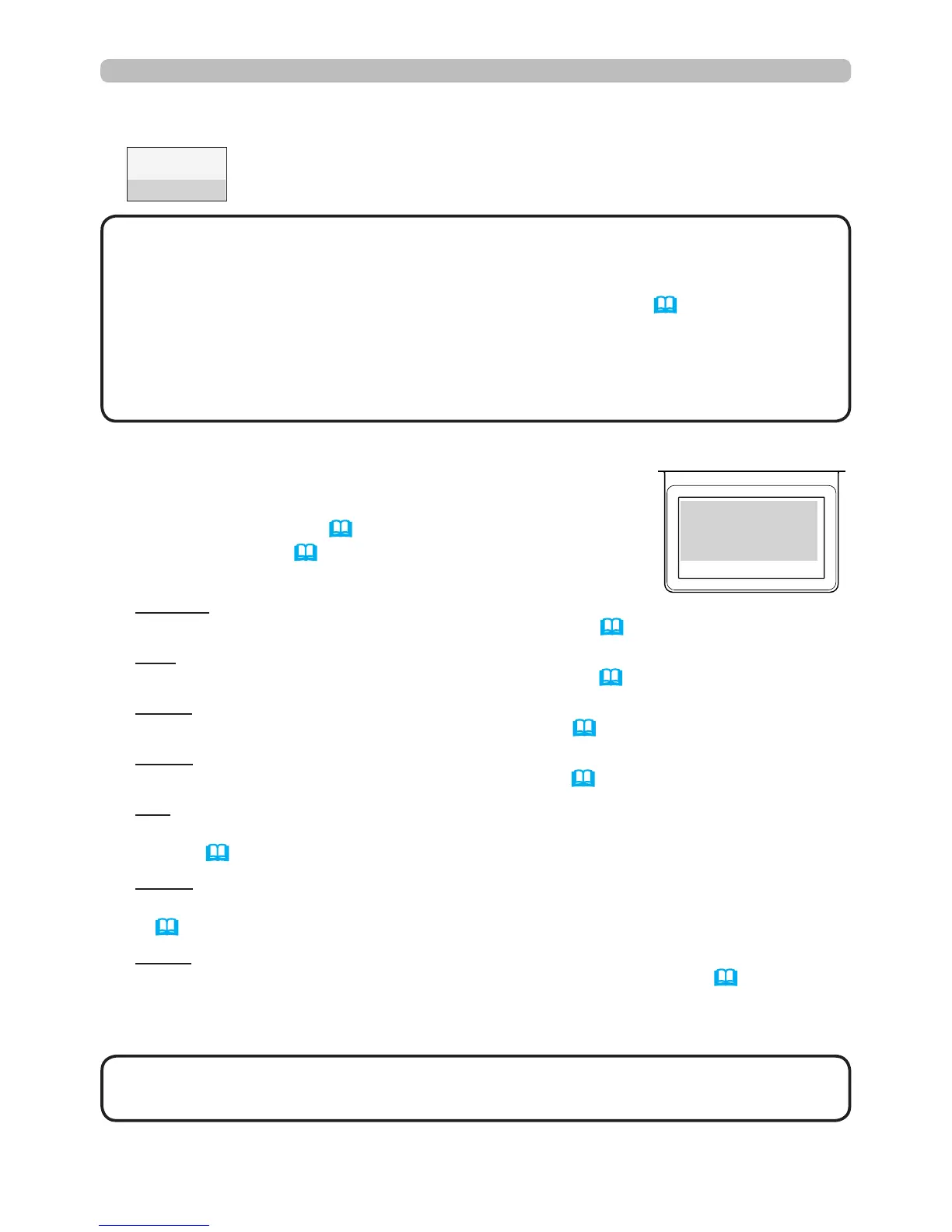
Status Monitor
<Only for IN5142, IN5144, IN5144a and IN5145>
Error states:
The Status Monitor displays error warnings in capital
letters. To resolve the errors, refer to the sections
"Related messages" (114) and "Regarding the
indicator lamps" (115, 116).
Displayed warnings:
COVER: The lamp cover has not been securely fastened.
Refer to the blinking LAMP indicator in the table (115).
FAN: The cooing fan is not operating.
Refer to the blinking TEMP indicator in the table (116).
LAMP: The lamp does not light.
Refer to the solid LAMP indicator in the table (115).
TEMP: The projector's inside becomes over heated.
Refer to the solid TEMP indicator in the table (116).
AIR (AIR FLOW): The internal temperature is rising.
Refer to the description of the message, "CHECK THE AIR FLOW" in the
table (114).
COLD: The inside of the projector may be too cold.
Refer to the alternate blinking LAMP and TEMP indicators in the table
(116).
FILTR (FILTER): It is time to clean the air lter.
Refer to the blinking LAMP and TEMP indicators in the table (116).
• When one of the FAN, LAMP, COVER, or TEMP errors displays, the
backlight blinks simultaneously.
NOTE
Displaying the projector condition (continued)
: When the lamp is on, it displays the supplied voltage and
peripheral Celsius temperature.
3rd line
• Nothing is displayed on the 2nd line of the monitor, when the projector
is searching for an input signal and when the USB TYPE A ports are set to
normal condition.
• "NO SIGNAL" is displayed on the 2nd line of the monitor (67) when the
USB TYPE B port is selected.
• The displayed temperature might differ from the actual peripheral temperature
because the displayed temperature is measured inside of the projector.
NOTE
example
O RC EV





 To Next Page