43
EASY MENU
Item Description
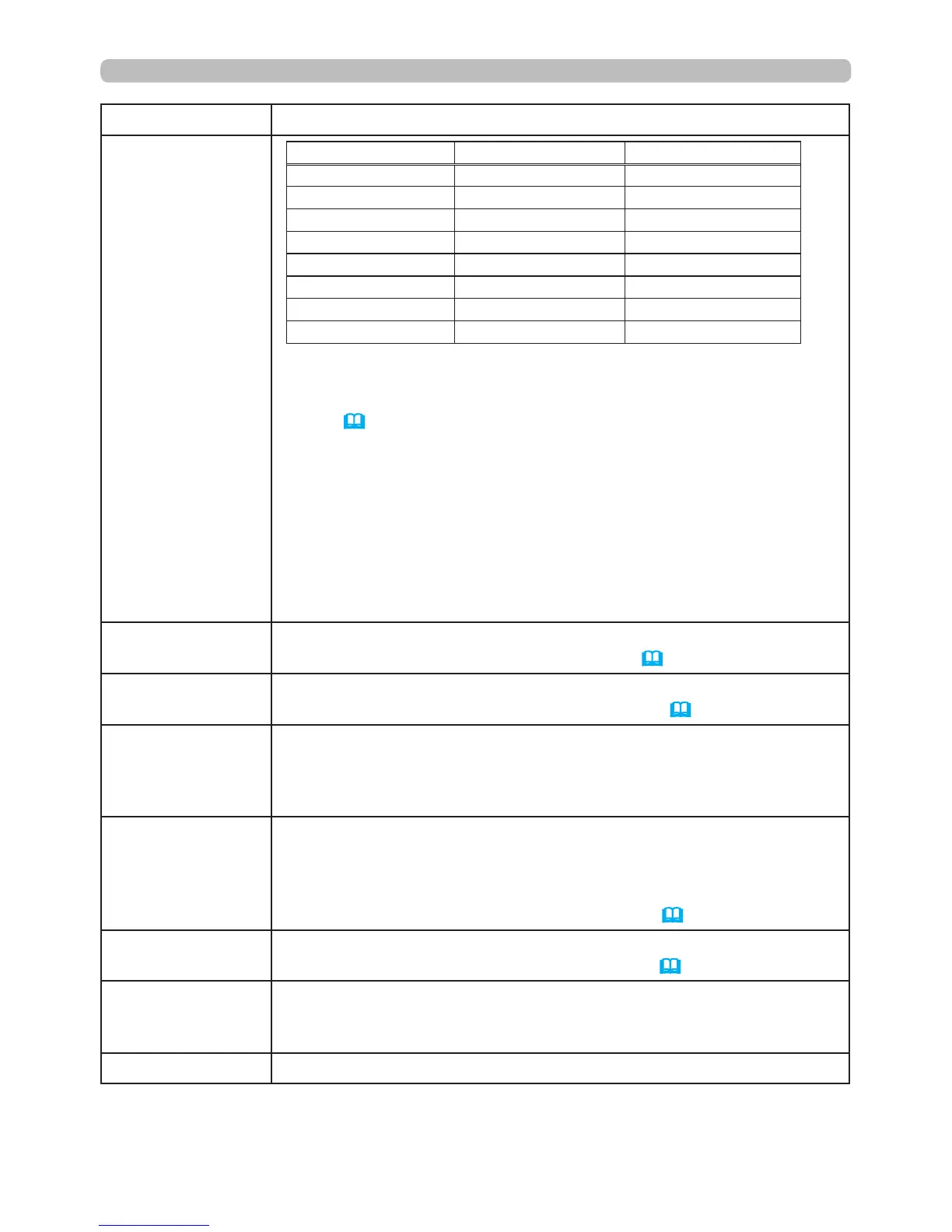
PICTURE MODE
(continued)
GAMMA COLOR TEMP
NORMAL 1 DEFAULT 2 MID
CINEMA 2 DEFAULT 3 LOW
DYNAMIC 3 DEFAULT 1 HIGH
BOARD(BLACK) 4 DEFAULT 4 Hi-BRIGHT-1
BOARD(GREEN) 4 DEFAULT 5 Hi-BRIGHT-2
WHITEBOARD 5 DEFAULT 2 MID
DAYTIME 6 DEFAULT 6 Hi-BRIGHT-3
DICOM SIM. 7 DEFAULT 2 MID
• When the combination of GAMMA and COLOR TEMP differs from
the pre-assigned modes above, the display on the menu for the
PICTURE MODE is “CUSTOM”. Refer to the GAMMA and COLOR
TEMP (
44
,
45
) items in PICTURE menu.
• Lines or other noise might appear on the screen when this function
operating, but this is not a malfunction.
•
DICOM SIM. is the projector's DICOM
®
("Digital Imaging and
Communication in Medicine") simulation mode. This mode simulates
the DICOM standard, which is a standard applicable to digital
communications in medicine, and can be useful for displaying medical
images, such as X-rays photos. This projector is not a medical device
and is not compliant to the DICOM standard, and neither the projector
nor the DICOM SIM. mode should be used for medical diagnosis.
ECO MODE
Using the ◄/► buttons turns off/on the Eco mode.
See the ECO MODE item in SETUP menu (
55
).
INSTALLATION
Pressing the ► button displays the INSTALLATION dialog.
See the INSTALLATION item in SETUP menu (
55
).
RESET
Performing this item resets all of the EASY MENU items except for
FILTER TIME and LANGUAGE.
A dialog is displayed for conrmation. Select OK using the ► button
to perform the reset.
FILTER TIME
The air lter usage time is shown in this menu.
Performing this item resets the lter usage time.
A dialog is displayed for conrmation. Select OK using the ► button
to perform the reset.
See the FILTER TIME item in OPTION menu (
67
).
LANGUAGE
Using the ◄/► buttons changes the display language.
See the LANGUAGE item in SCREEN menu (
59
).
ADVANCED MENU
Press the ► or
ENTER
button to use the PICTURE, IMAGE, INPUT,
SETUP, AUDIO, SCREEN, OPTION, NETWORK or SECURITY
menu.
EXIT
Press the ◄ or the
ENTER
button to close the OSD menu.





 To Next Page