Page 11INF6500e User Guide
C
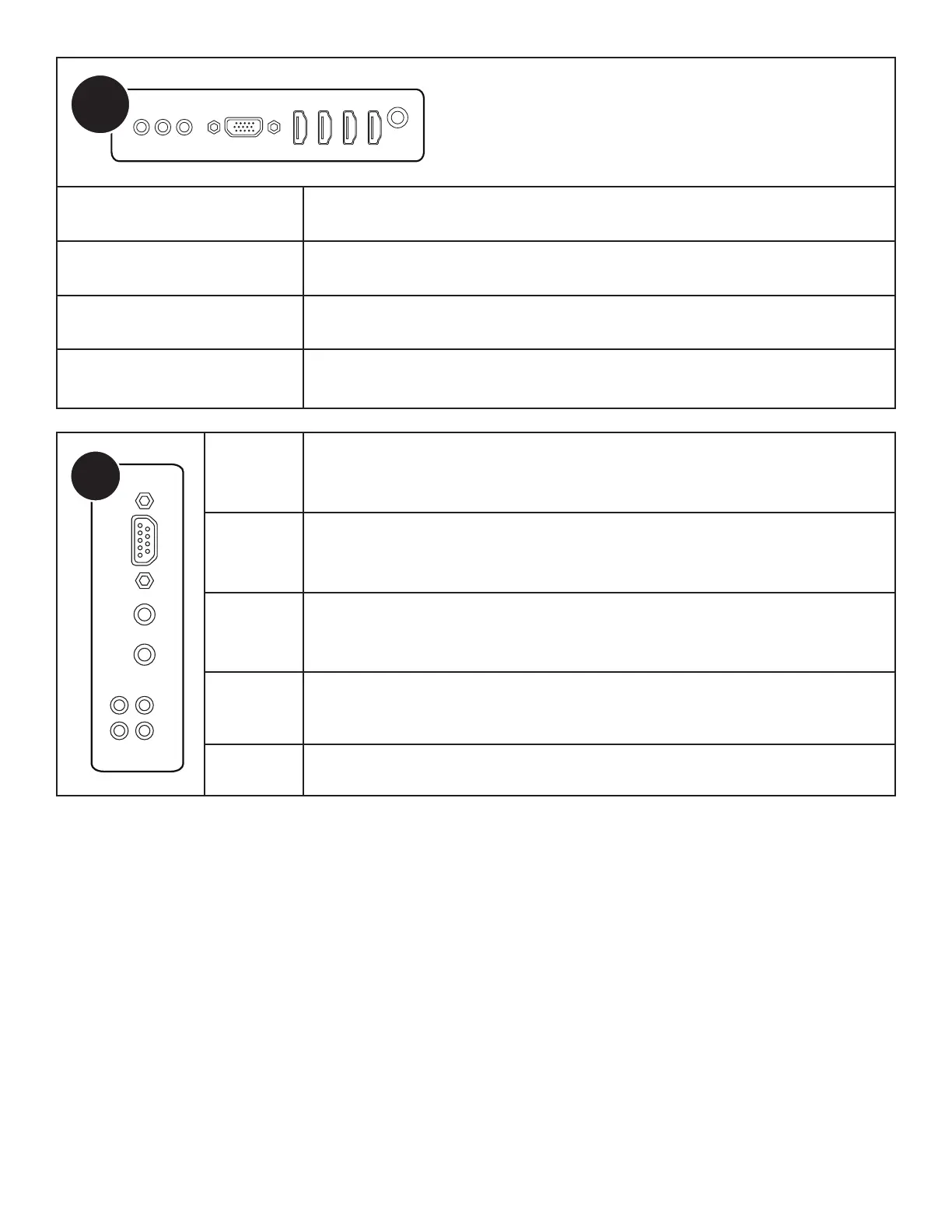
COMPONENT
Connect a component RCA video cable from the monitor to an external device
(such as a DVD player, HDTV device, or Laser Disc player) (YPbPr) signals.
VGA Connect a VGA computer cable from the monitor to an external computer.
HDMI1 - 4
Connect an HDMI cable from the monitor to an HDMI external device (such as a
VCR or DVD player).
VIDEO
Connect a composite video cable from the monitor to an external device (such as a
VCR or DVD player).
D
RS232 Connect to an RS232 control device for remote control applications.
PC AUDIO
LINE IN
Connect a line in audio source for the PC module.
AUDIO IN1 Connect a 3.5mm audio cable to an external device (e.g., iPod player).
AUDIO IN2 Connect an RCA L/R audio cable to an external device.
AUDIO OUT Connect an RCA L/R audio cable to external stereo speakers.



 To Next Page