Page 9INF6500e User Guide
Connecting to other devices
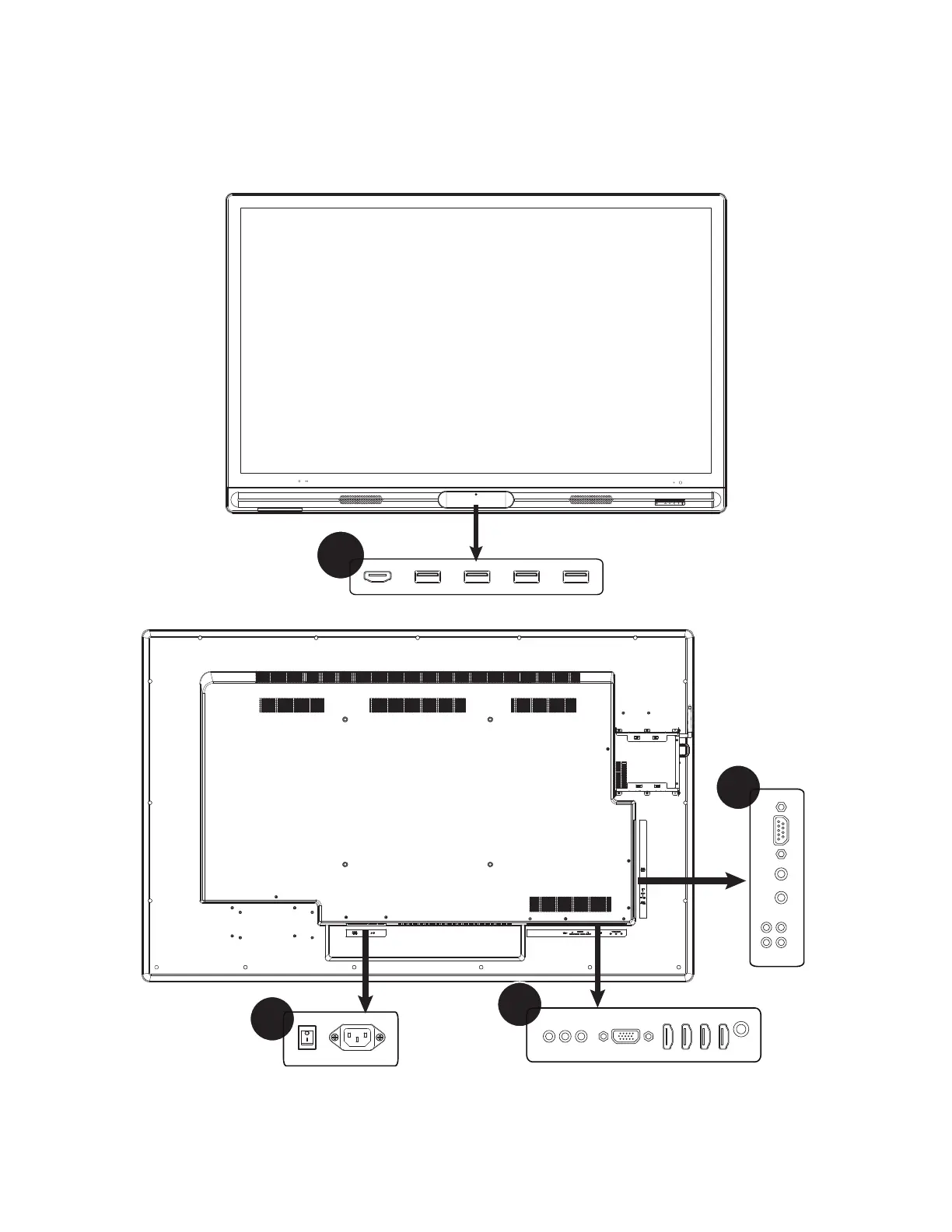
A full range of digital and analog video inputs and audio source devices can be connected to the connection panels on
the front, back, and side of the monitor. Available jacks include: HDMI In (5), PC In (1), Composite Video (1), Component
RCA (1), RS232 (1), Audio In 3.5mm (1), Audio In RCA (1-R/L), USB-A for touch control (1), USB 2.0-A (3), and Audio Out
RCA (1-R/L).
Source
A
B
D
C



 To Next Page