Page 19INF6500e User Guide
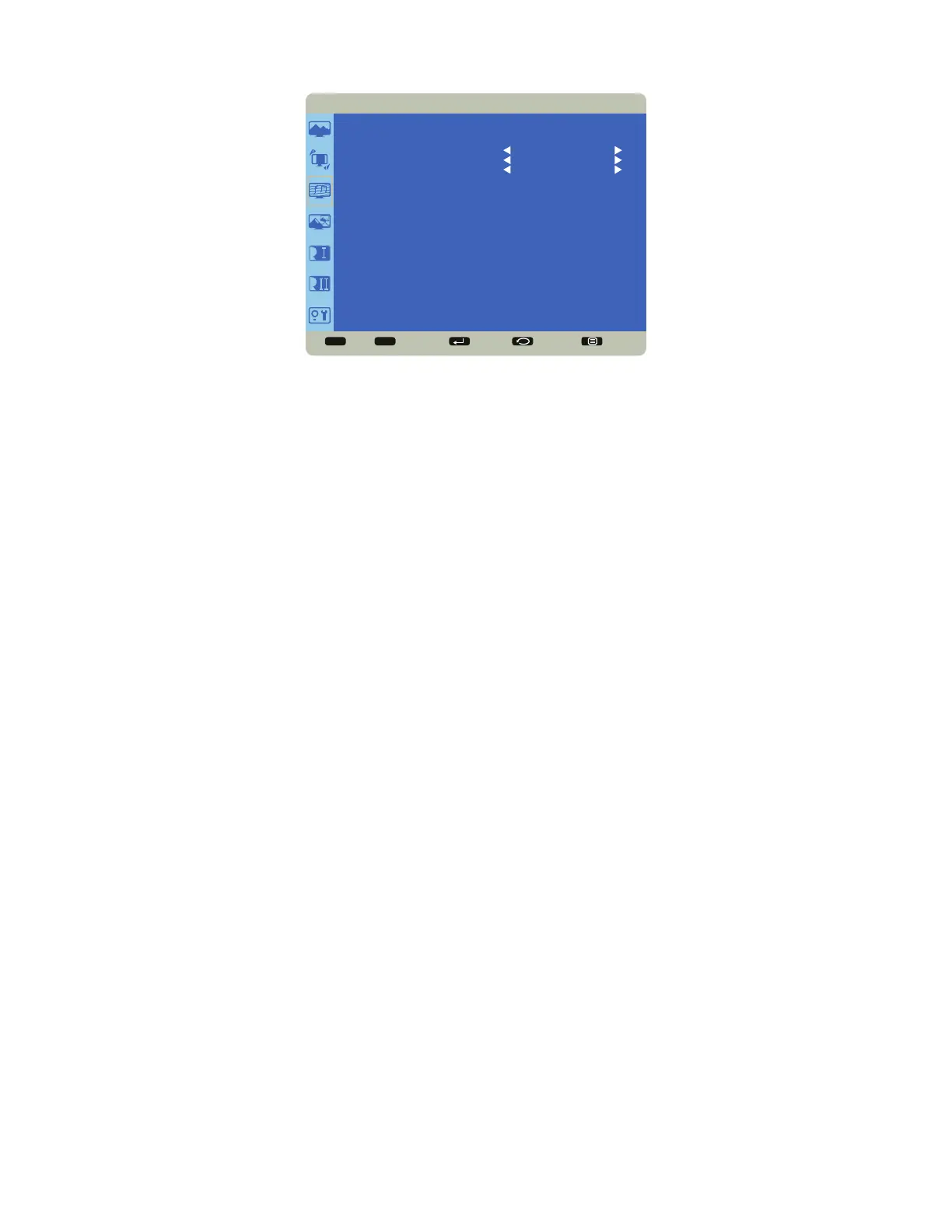
Audio
Sel Adjust Enter Back Quit
< >
<
<
AUDIO
SPEAKER
AUDIO SOURCE
AUDIO RESET
INTERNAL
MONDOPAD
NO
Speaker: controls whether both the internal and external speakers (sound bar, etc.) or just external speakers are used.
Options include: Internal (both internal and external speakers operate) and External (only external speakers operate).
Default Internal.
Audio Source: selects the audio input source. Options include: HDMI 1, HDMI 2, HDMI 3, HDMI 4, HDMI5, Audio 1,
Audio 2. Mondopad and PC Speaker. Note: Mondopad and PC Speaker are only available when the optional Mondopad
PC module is installed.
Audio Reset: resets all Audio menu items to factory default settings. Options: Yes and No.



 To Next Page