Product Features
This product uses HD LED-backlit panel, IR and multi-touch technologies. Equipped with a writing software, it is
convenient, highly interactive, safe and environmentally friendly.
Interconnectivity
• This product can connect to other devices. It allows wireless connection with PCs, PADs and mobile
phones, realising wireless transmission of documents, wireless push of videos and wireless screen cast.
Extraordinary Display
• This product uses a high-quality HD LCD panel featuring original display colour, vivid pictures, uniform
display, no flickering, and quick response. You can enjoy HD pictures from different angles.
Accurate Touch Control
• This product incorporates the advanced touch technology featuring quick response, high positioning
accuracy, strong environmental adaptability, accurate operation, etc. No stylus is needed; you can operate
with your hand by clicking, dragging and other actions.
Highly Interactive
• This product is preinstalled with a professional writing software. It provides multiple types of pens, drawing
tools and other functions, and you can write and move the contents as you like.
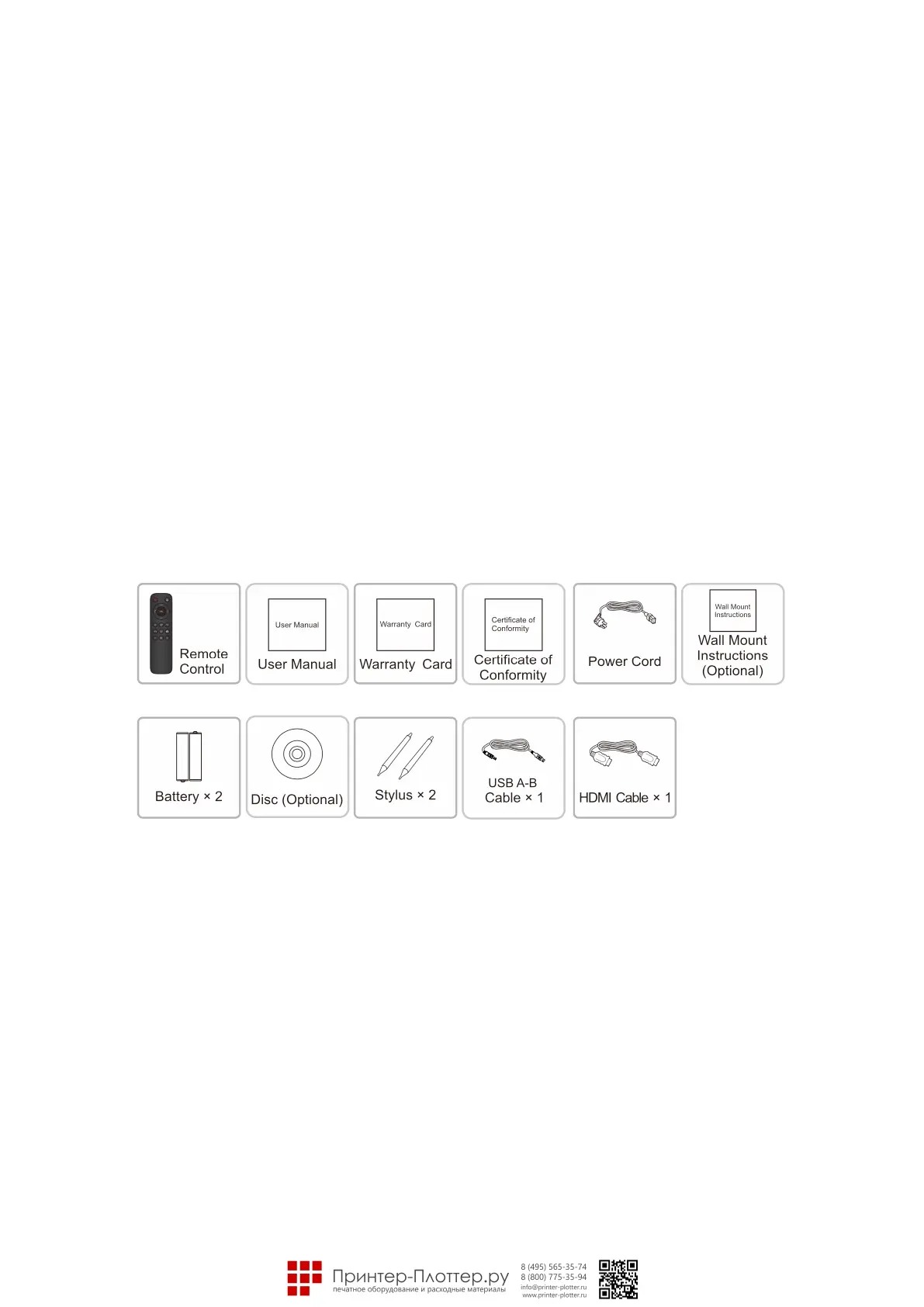
Accessories
Wall Mount
1. Precautions for Installation
• For installation of the wall-mount bracket, at least two professional workers are required; you should not
attempt to install it, otherwise injury may result.
• During installation, assistance from professional workers is needed to designate the installation also,
measures should be taken to make sure it can bear certain amount of external force. Make sure the bracket
is installed onto a firm wall rather than plaster board or other surface which cannot provide strong support.
• This product should be installed on a vertical plane, not on an oblique plane; also, it should not be installed
with the front facing upwards; otherwise fall off of the product or personal injury may be caused.
• To avoid damage of the product or injury, keep the bracket out of the reach of children.
• Tighten the screws during installation to avoid product damage and injury.
• The installation is shown in the figure below; ventilation space should be kept around the product.
2. For specific installation steps, see the wall mount instructions.



 To Next Page