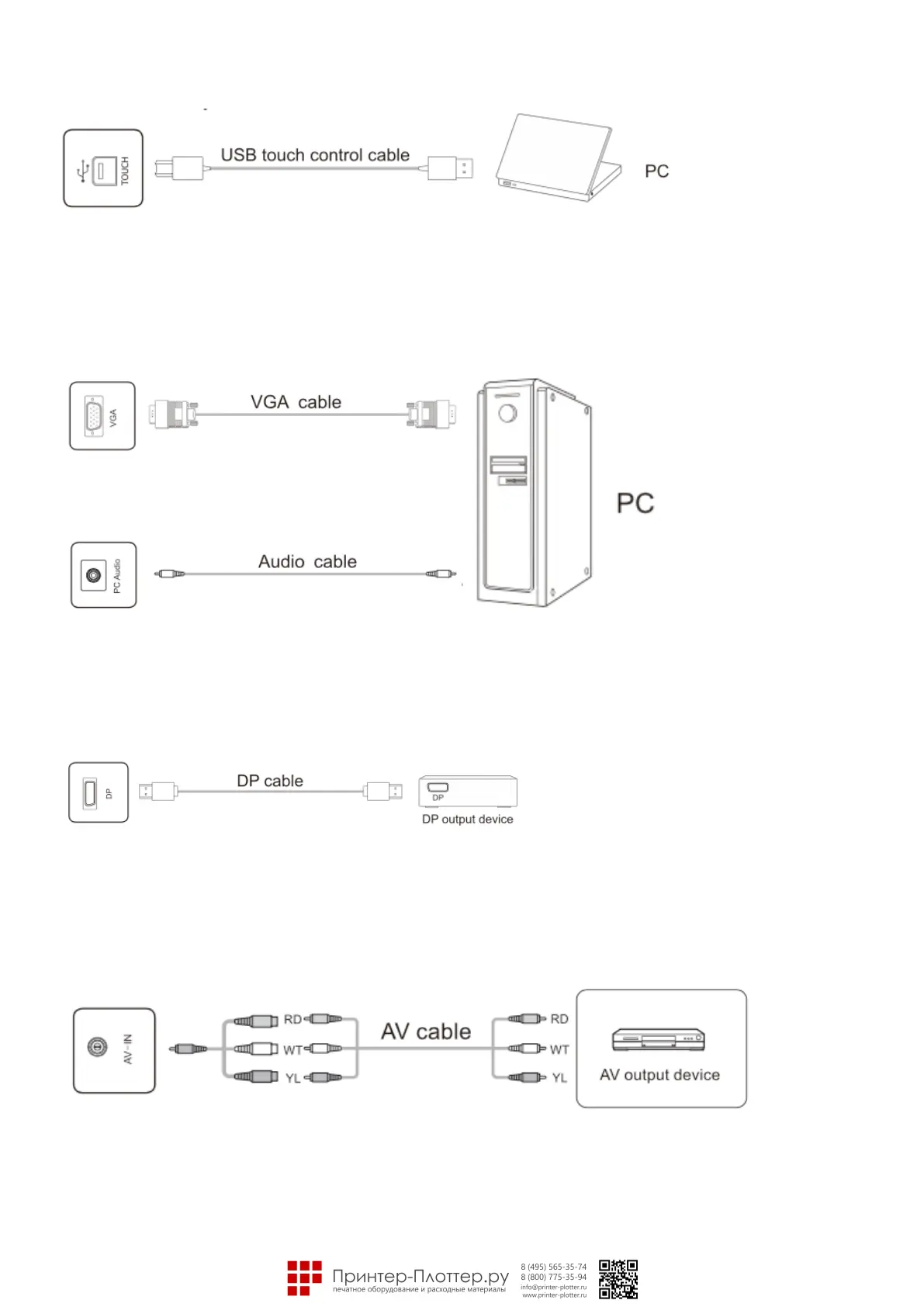
• TOUCH USB port
Note: When the TOUCH USB port is connected to the same device with the signal source, the external device
can be operated by the TOUCH function.
• VGA audio/video port
• PC audio port
Note: For signal formats supported by the VGA port, see the Technical Parameters.
• DP Port
Note: The maximum resolution supported by OP port is 4K@60HZ. The signal quality depends on length and
quality of the OP cable, so please use the recommended cables or those of famous brands on market.
• AV-IN port
Note: The type of AV-IN port is <l>3.5mm MINI port. For connecting signals, a MINI adapter cable or a MINI
adapter and an AV cable are required and connected as indicated by the figure.



 To Next Page