Page 27 Interactive Touch Display Hardware Guide
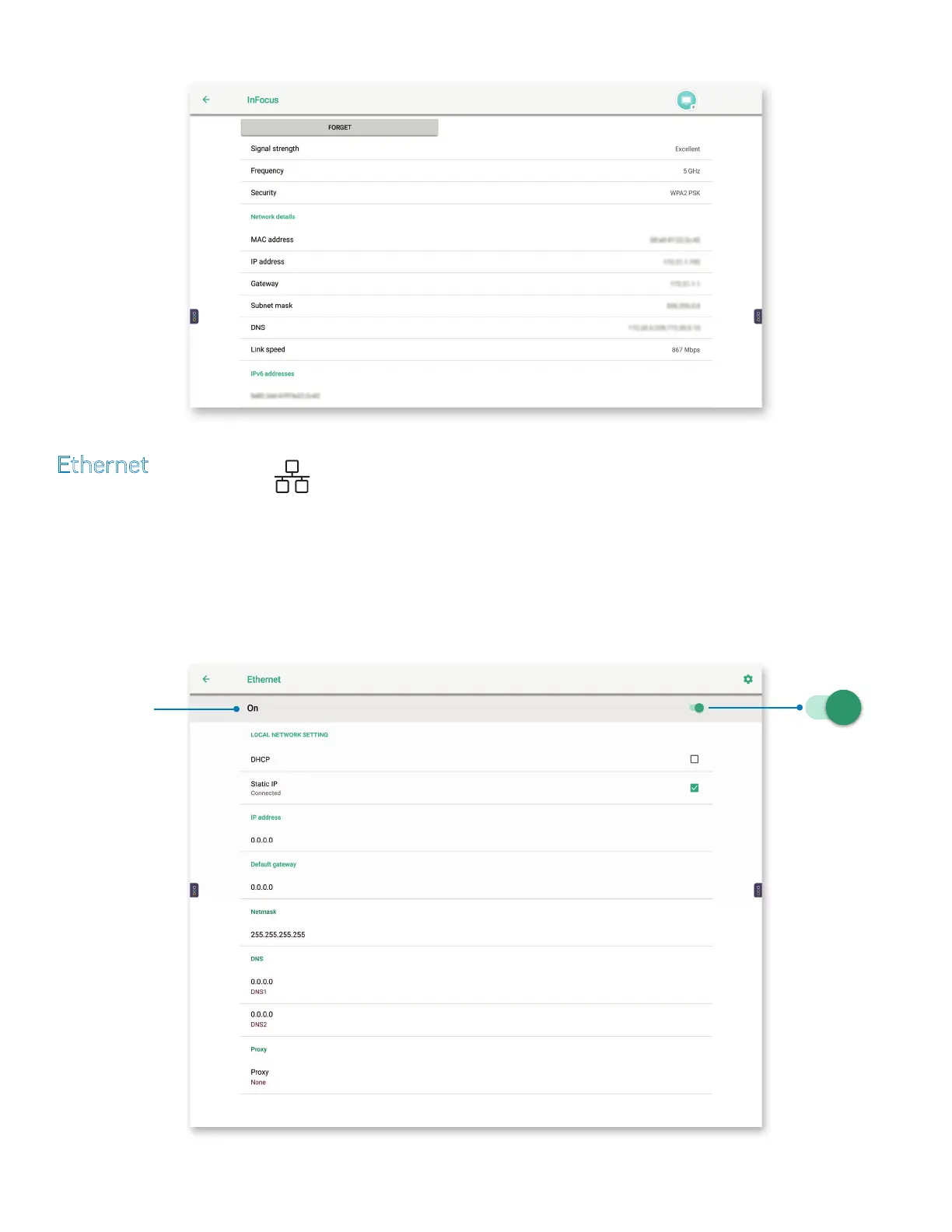
5) Tap a network name for signal, security and network information.
Ethernet
Tap Ethernet, or the Ethernet icon.
1) If necessary, turn the Ethernet settings on: Press O, (to the left) or press the On/O button (to the right).
2) Choose a Local Network Setting — DHCP or Static IP.
a) Selecting DHCP automatically allocates an IP address. The remaining elds (with the exception of Proxy) are auto-populated.
On/O button —
Tap to turn the
settings menu on
or o.
Tap to turn the
settings menu on
or o



 To Next Page