8
Setting up the Projector
NOTE: Before you continue,
make sure the projector and all
other equipment is turned off. If
you’re connecting a computer,
make sure the distance between it
and the projector is 6 feet or less.
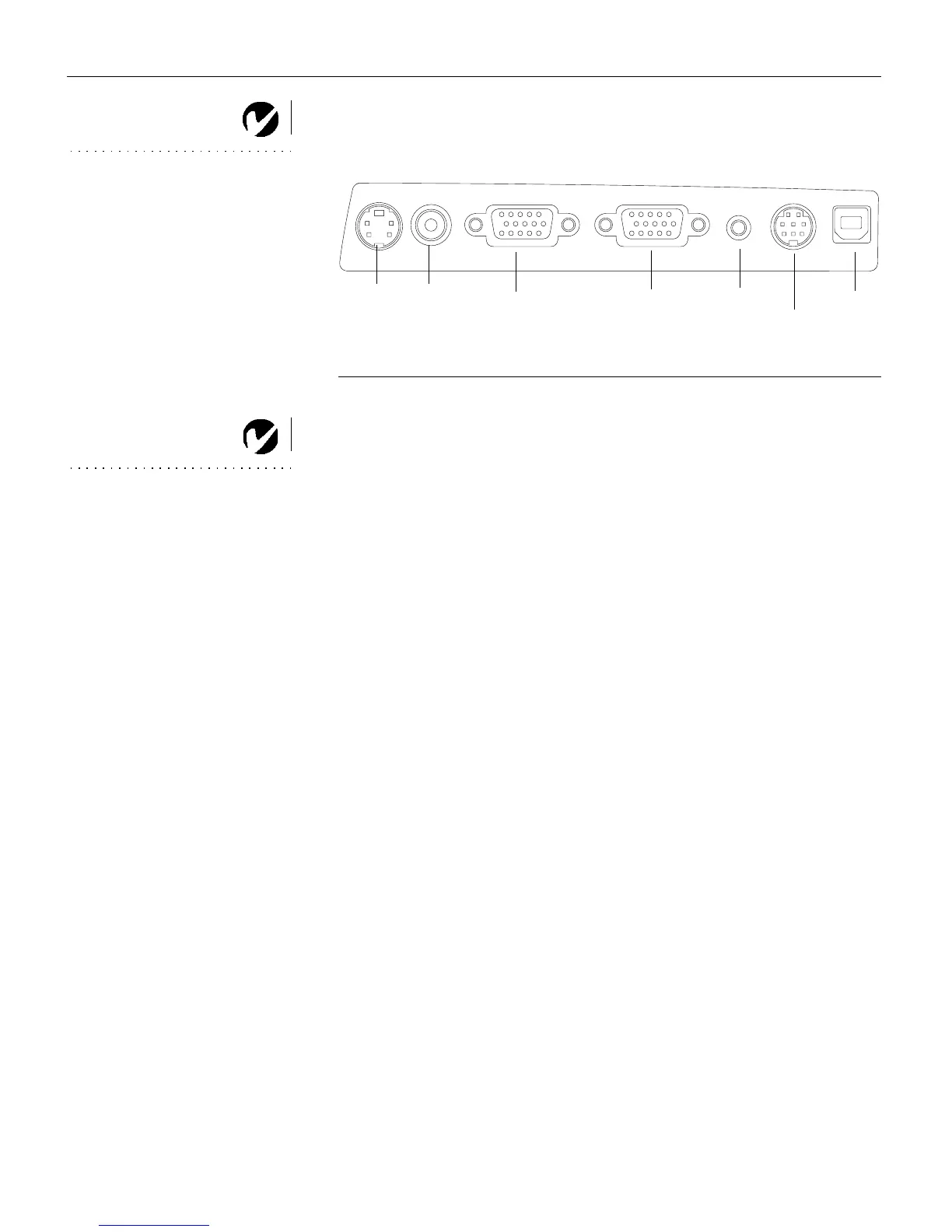
F
IGURE 5
Connector panel
NOTE: If you are connecting an
older Macintosh computer that
does not have a 15-pin connector,
you must use a Mac adaptor
between the computer and the
projector. See “Optional
Accessories” on page 41.
computer
USB mouse
PS/2 mouse
computer
S-video
video
audio in
monitor



 To Next Page