24
Using the Projector
Setup menu
F
IGURE
15
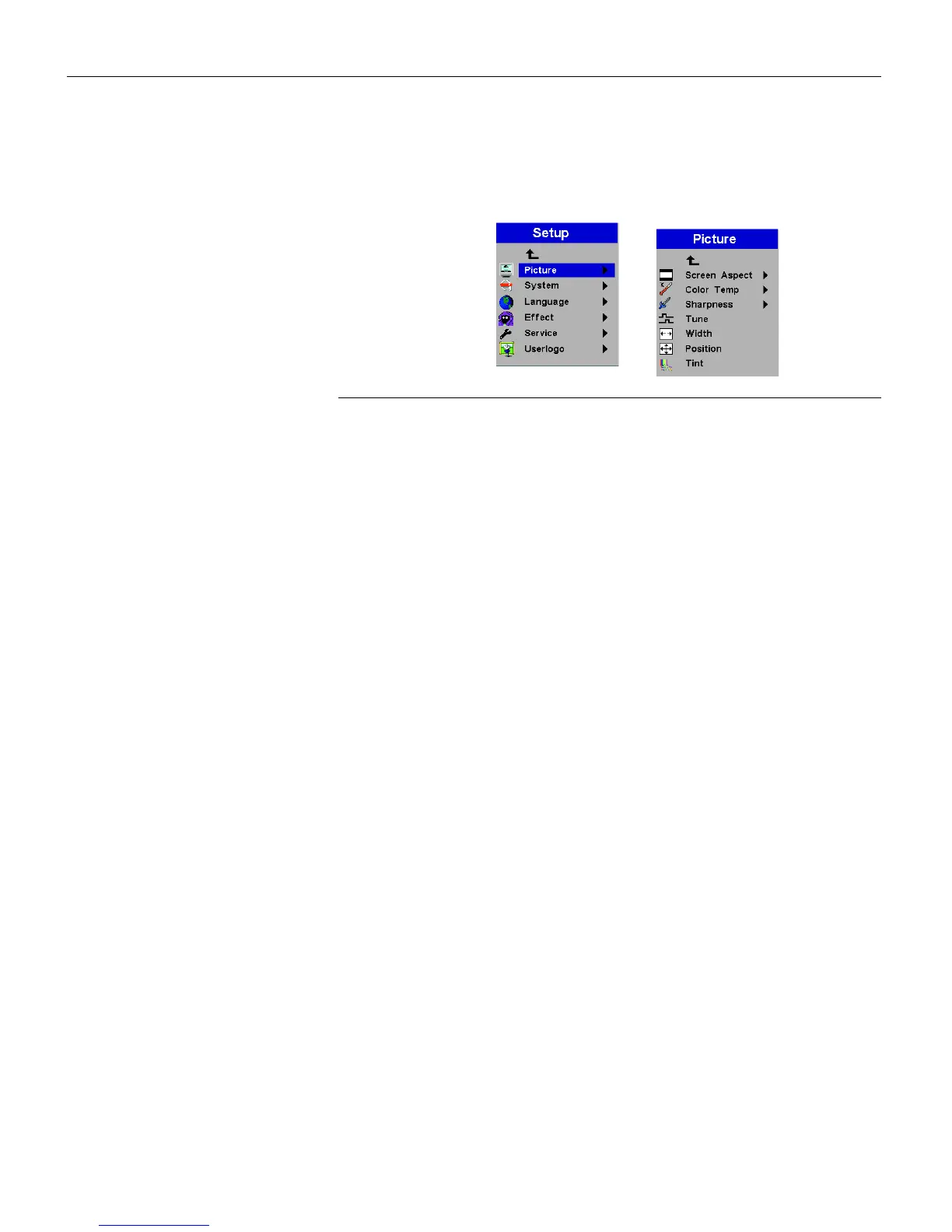
Setup and Picture menus
Picture menu
•
Screen Aspect
: The default is 4:3. Click 16:9 if you are watching
videos in widescreen format. Highlight Screen Aspect, press
Source/Select
, use the up and down arrows to highlight your
selection, press
Source/Select
, then press the left arrow to return
to the Picture menu.
•
Color Temp
: The default is 7300. Choose a different value to
adjust the amount of red in the image.
•
Sharpness
: Adjusts the sharpness of video images.
•
Tu n e
: Use the left and right arrows to adjust the horizontal
phase and fine tuning of the image.
•
Width
: Use the left and right arrows to adjust the width of the
image.
•
Positi on
: Use the left and right arrows to adjust the horizontal
position of the image and use the up and down arrows to
adjust the vertical position.
•
Tint:
Use the left and right arrows to adjust the tint of video
images.



 To Next Page