16
Using the Projector
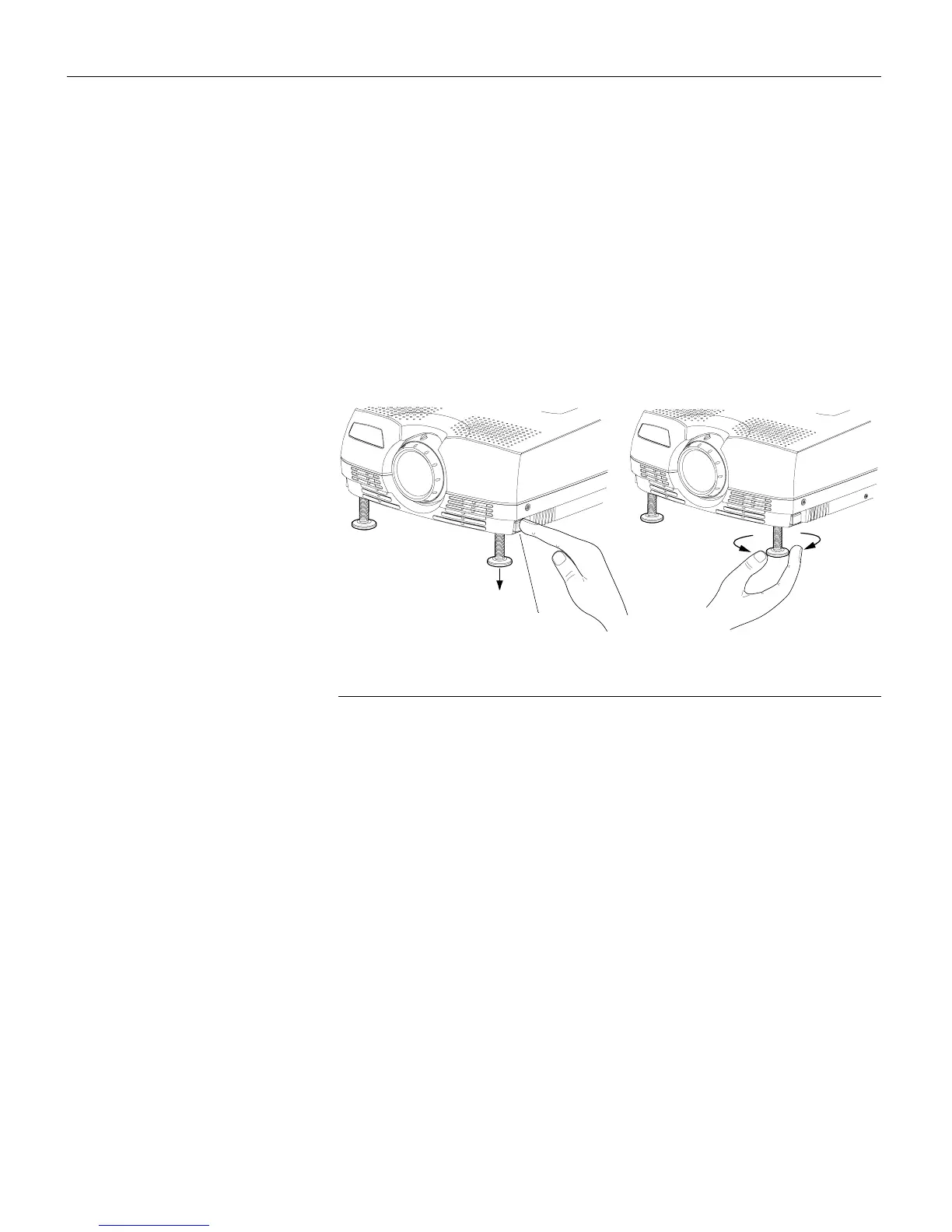
The projector is equipped with a self-locking, quick-release feet
and buttons.
To raise the projector:
1
Raise the projector to the height you want, then press and
hold the foot release buttons. Release the buttons to lock the
feet into position (Figure 9).
2
If necessary, rotate the feet to adjust the angle of the projected
image.
FIGURE 9
Adjusting the height of the projector
release button



 To Next Page