6
Setting up the Projector
CAUTION: Tur n o f f t h e
computer, monitor and projector
whenever you connect or
disconnect cables.
Preparing to Connect Your Equipment to the Projector
Now you’re ready to connect your equipment.
Steps for connecting the different types of equipment are given
on the pages listed below.
NOTE: In some older computers,
the monitor connector does not
have a hole for Pin 9. If you have
trouble connecting the
CableWizard Lite cable to your
computer, contact InFocus
Te c h n i c a l S u p p o r t .
F
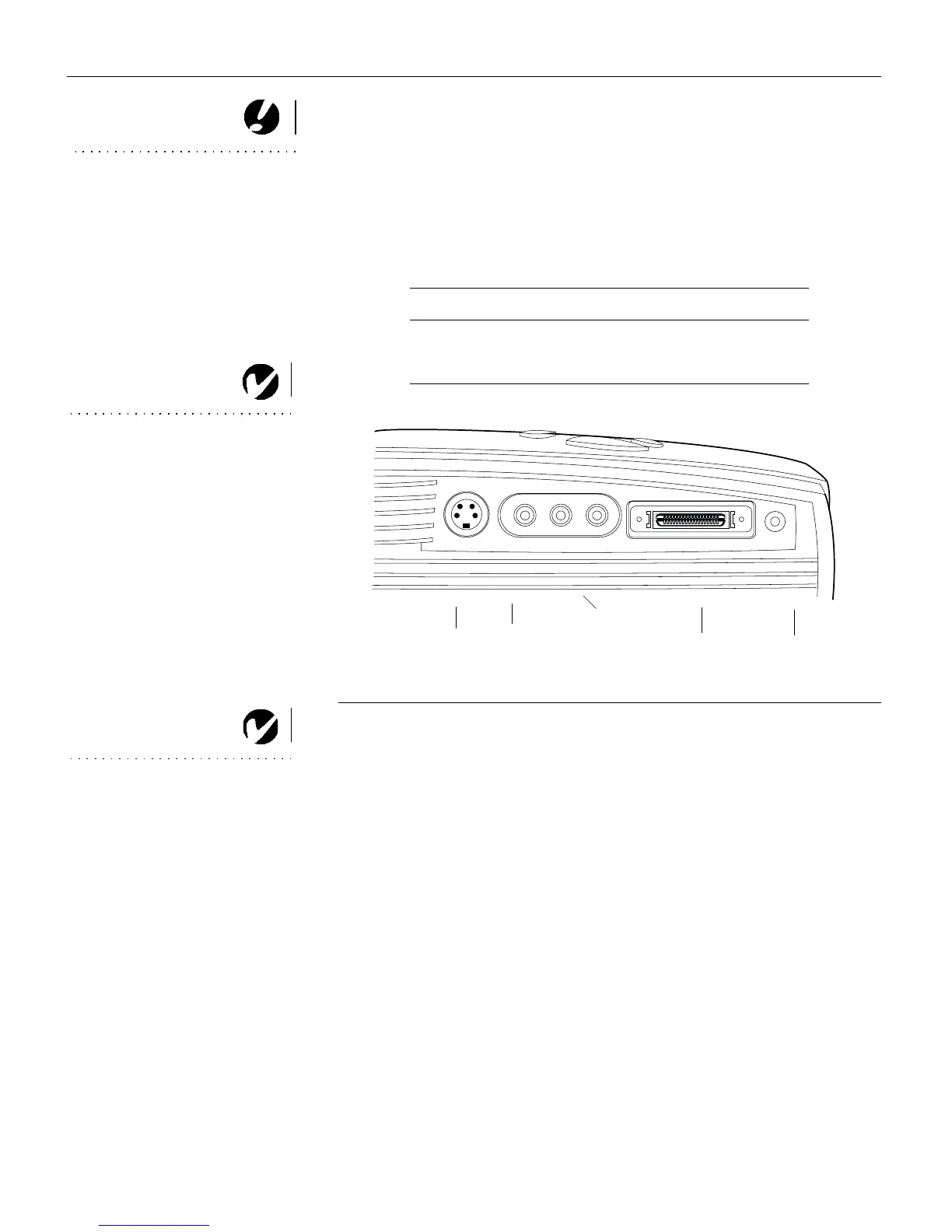
IGURE 5
Connector panel
NOTE: If you want to control your
computer’s mouse from the
projector, purchase the optional
remote control and receiver or the
remote and CableWizard.
Equipment you want to connect Page
Computer page 7
Video player page 8
CableWizard
s-video
composite
video
L/R audio in
audio in
computer
(for video source)



 To Next Page