8
Setting up the Projector
Connecting a Video Player
1
If your video player uses a round, one-prong composite video
connector, you’ll need only the A/V cable that shipped with
the projector.
NOTE: HDTV sources are
connected to the projector using
the CableWizard Lite cable. See
the previous page for details.
•
If your video player uses a round, four-prong S-video con-
nector, you’ll need an S-video cable in addition to the A/V
cable. The S-video cable is sold separately. (See “Optional
Accessories” on page 37.)
2
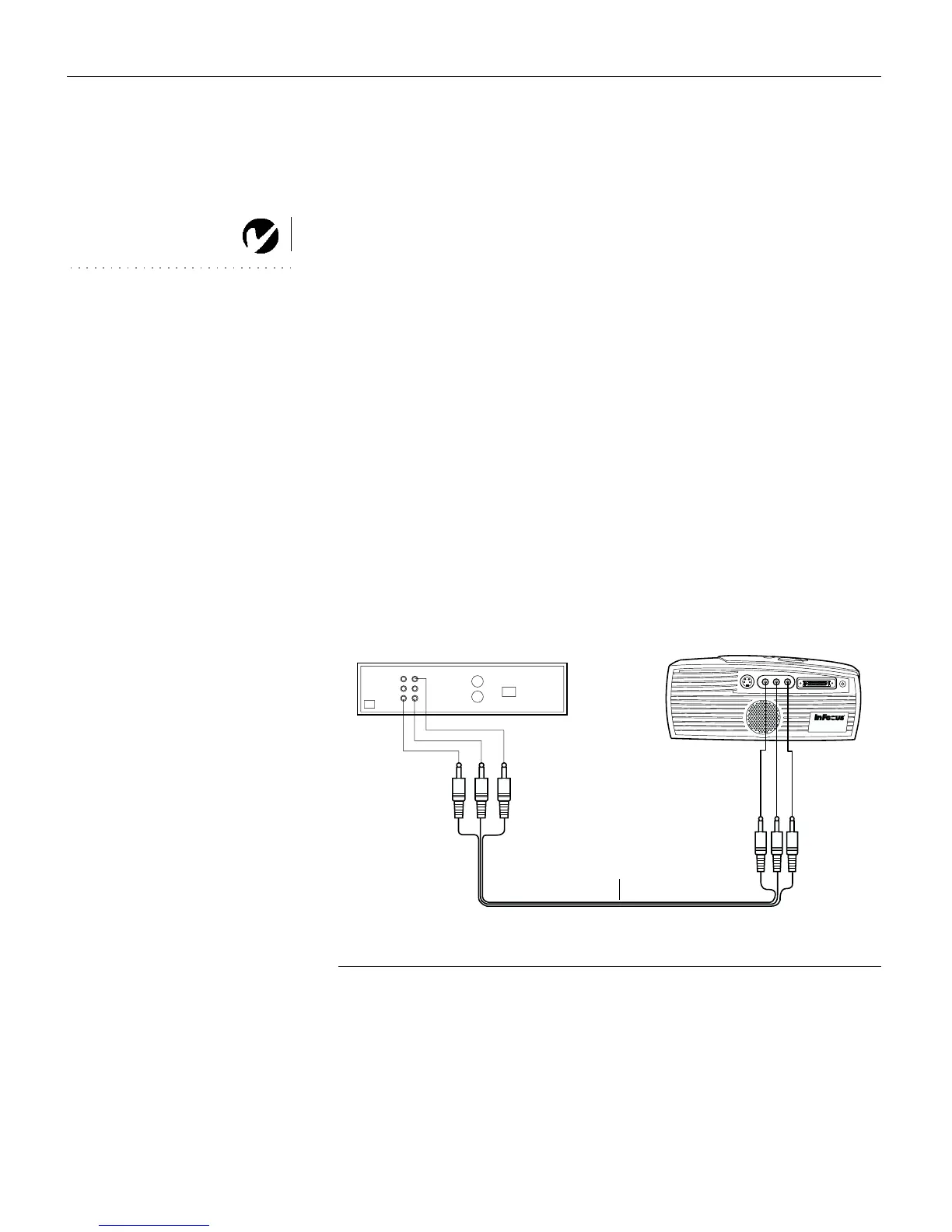
Plug the A/V cable’s yellow connector into the “video-out”
port on your video player (Figure 7). This port may be labeled
“To Monitor.”
•
If you’re using an S-video cable, connect it to the “s-video
out” connector on the video player (Figure 8).
3
Plug the other yellow connector into the composite connector
on the back of the projector.
•
If you’re using S-video, plug the other end of the cable into
the “s-video” connector on the projector (Figure 8).
F
IGURE
7
Connecting the projector to a video player using the standard A/V cable (with composite
video connector)
audio/video cable



 To Next Page