14
1. Projected colors don’t match source
2. Colors are washed out or too deep
3. Image from component source appears greenish
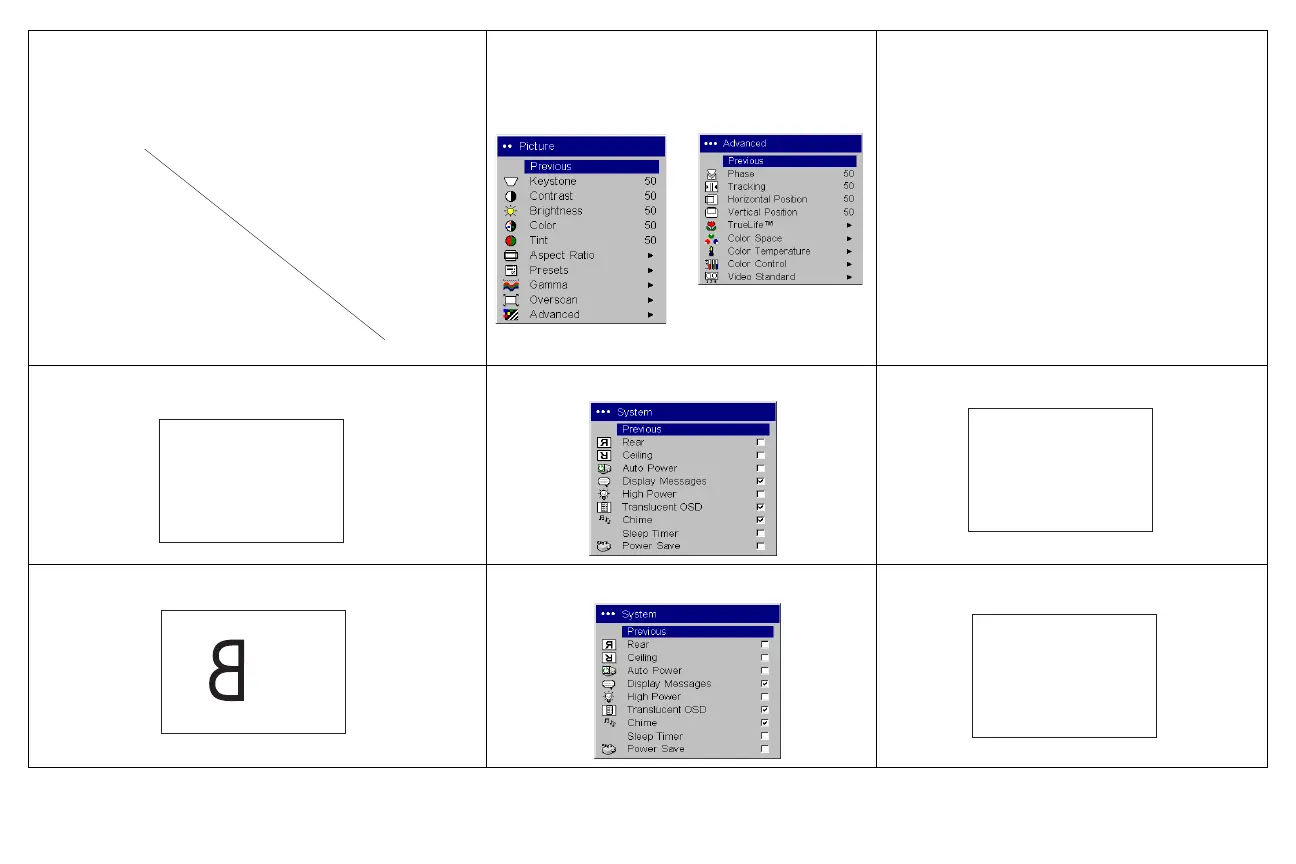
1. Adjust color, tint, color temperature,
brightness, or contrast in the menus.
2. Pick another gamma setting
3. Pick another color space
Correct image
Image upside down
Turn off Ceiling in Settings>System menu
Correct image
Image reversed left to right
Turn off Rear in Settings>System menu
Correct image
COLOR
COLOR
A
B
AB
A
AB








 To Next Page