EasyManua.ls Logo

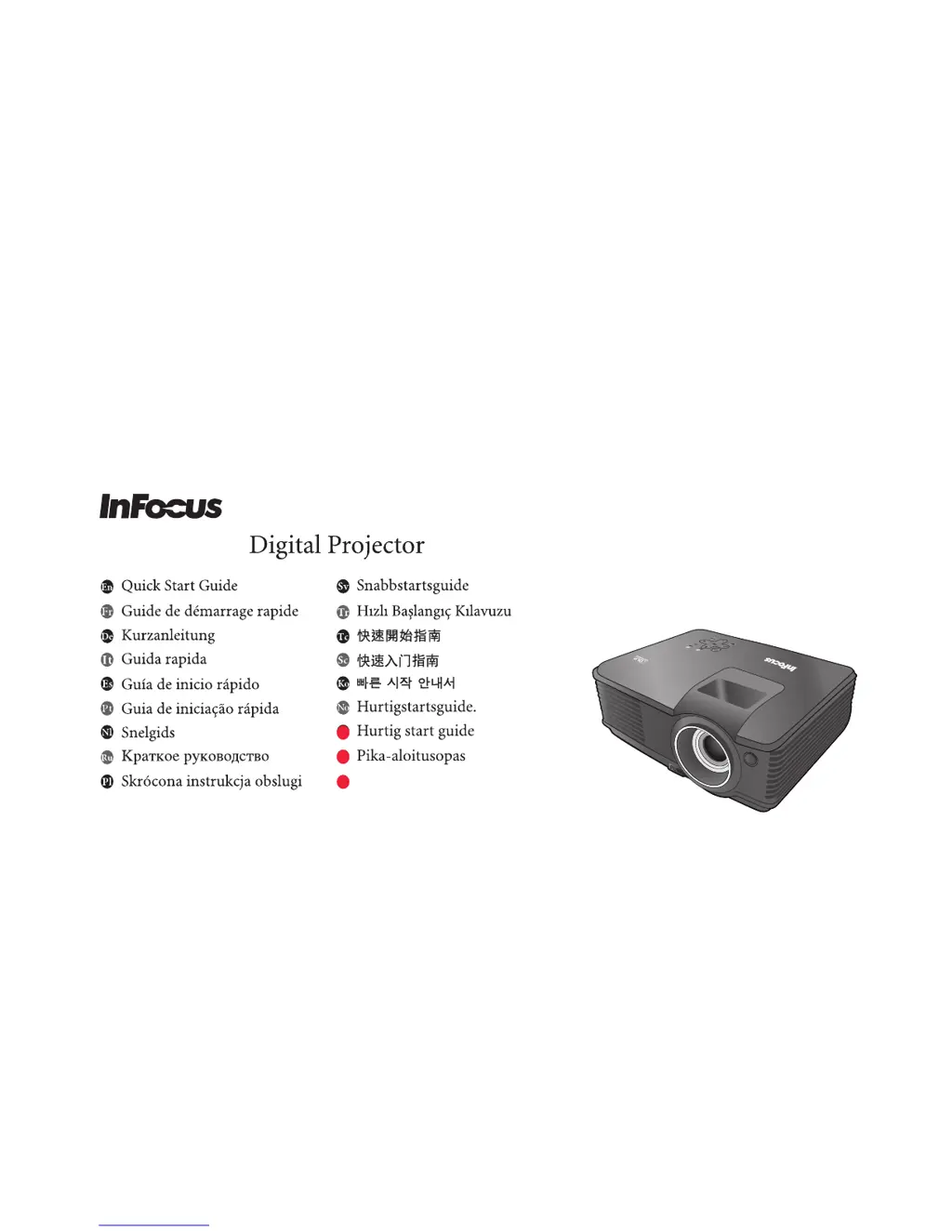
InFocus IN102 - User Manual

InFocus IN102
20 pages
Print Icon
To Next Page IconTo Next Page
Loading...
IN102/IN104
Hurtigstartsguide.
No
Hurtigstartsguide.
Da
Pika-aloitusopas
Fi

Other manuals for InFocus IN102

Questions and Answers

  • L
    Lisa DicksonJul 26, 2025
    How to fix InFocus Projector that does not turn on?
    • B
      Brian ComptonJul 26, 2025
      If your InFocus Projector doesn't turn on, check the following: * Ensure the power cord is securely plugged into the AC inlet on the projector and the power outlet. If the outlet has a switch, make sure it's on. * If the projector is cooling down, wait until the process is complete before attempting to turn it on again.
  • A
    Alexandra HarrisAug 2, 2025
    What to do if my InFocus Projector has no picture?
    • S
      Stephen SheltonAug 2, 2025
      If your InFocus Projector displays no picture, there might be several reasons: * The video source might not be turned on or connected correctly. Ensure the video source is on and the signal cable is properly connected. * The projector might not be correctly connected to the input signal device. Check the connection. * The input signal might not be correctly selected. Select the correct input signal using the SOURCE key on the projector or remote. * The lens cover might be closed. Open the lens cover.
  • A
    Anthony MillerAug 10, 2025
    How to fix blurred image on InFocus IN102?
    • J
      Justin MaloneAug 10, 2025
      If the image on your InFocus Projector is blurred: * Adjust the focus of the lens using the focus ring. * Adjust the projection angle, direction, and height of the unit to properly align the projector and screen. * Make sure the lens cover is open.
  • K
    Krystal GonzalezAug 18, 2025
    What to do if InFocus Projector remote control does not work?
    • B
      Betty HendersonAug 18, 2025
      If the remote control for your InFocus Projector isn't working: * Replace the battery with a new one. * Make sure there are no obstacles between the remote and the projector. * Ensure you are within 8 meters (26 feet) of the projector.

Summary

Connect Equipment

* Component Video Source

Connecting video sources using component cables for optimal quality.

* Composite Video Source

Connecting video sources using composite cables for basic video signals.

* S-Video Source

Connecting video sources using S-Video cables for improved video quality.

Initial Setup and Power On

Auto Adjustment

Image Size and Clarity Adjustments

Focus

Controls image size and clarity for optimal focus.

Zoom

Controls image size and clarity for zoom.

Digital Keystone Correction

Projection Dimensions and Screen Size

Screen Size Adjustments

Guide for adjusting screen size based on projector distance and zoom.

Safety Warning: Lamp Rupture

Customer Support and Resources

Hazardous Substances Information

InFocus IN102 Specifications

General IconGeneral
Projection distance1.49 - 6 m
Projection technologyDLP
Contrast ratio (typical)1500:1
Projector native resolutionSVGA (800x600)
Aspect ratio16:10
Dimensions (WxDxH)264.2 x 223.5 x 94 mm
Lamp power220 W
Light source typeLamp
Service life of light source3000 h
Service life of light source (economic mode)4000 h
Analog signal format systemNTSC, PAL, SECAM
RMS rated power2 W
Number of built-in speakers1
Noise level33 dB
Power consumption (typical)228 W
Product typeStandard throw projector
Weight and Dimensions IconWeight and Dimensions
Weight2300 g

Related product manuals