39
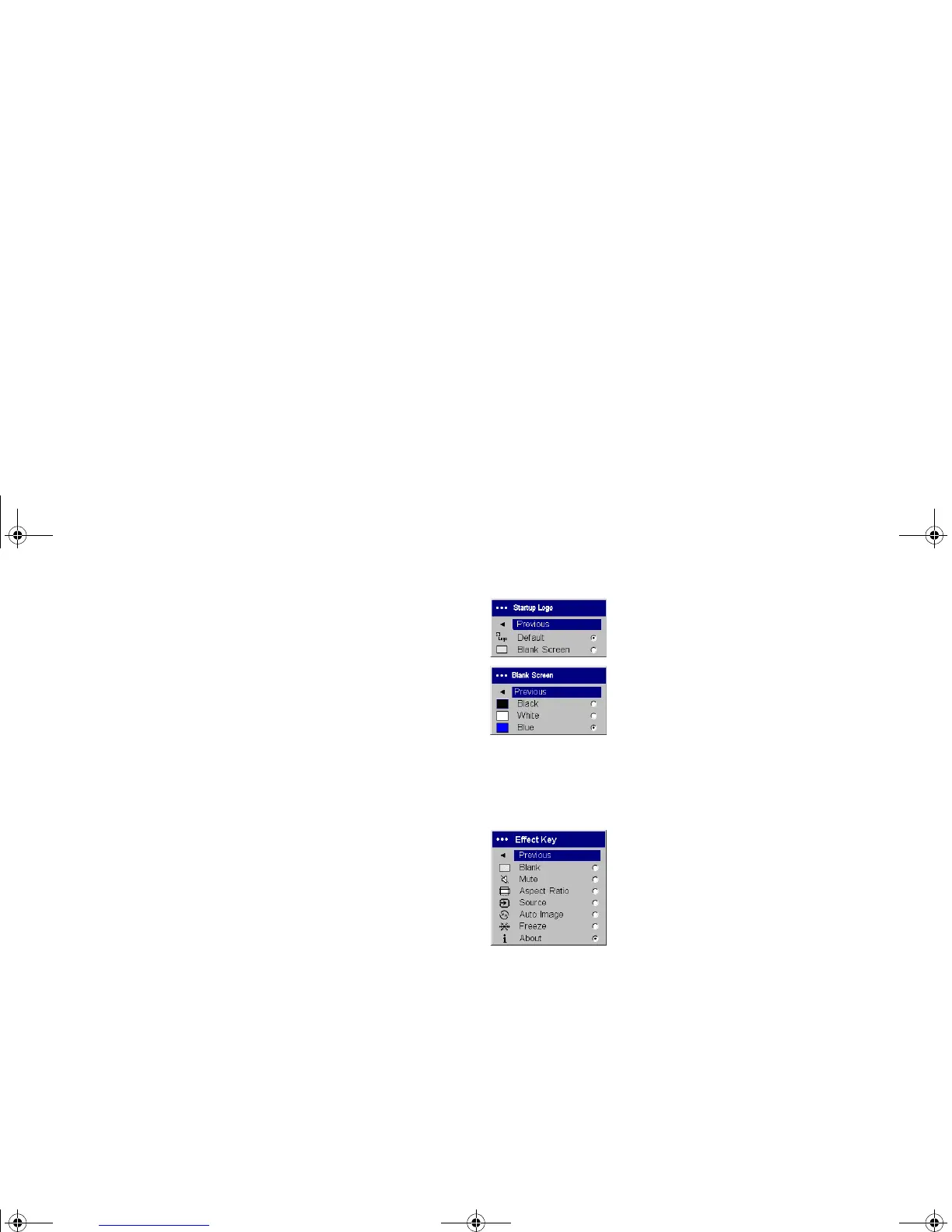
Startup Logo: allows you to display a blank screen instead of the default
screen at startup, and when no source is detected.
Blank Screen: determines what color is displayed when you press the
Blank button on the remote.
Effect Key: allows you to assign a different function to the Effect button on
the remote, allowing you to quickly and easily use the effect. Highlight an
effect and press Select to choose a different one.
• Blank: displays an empty screen.
• Mute: turns off all sound.
• Aspect Ratio: toggles among 4:3, 16:9, and Native (see page 16 and
page 35). Set as the Effect Key, it can allow you to switch the Aspect
Ratio for DVDs.
• Source: cycles through available sources.
• Auto Image: resets the projector to the source (page 31).
• Freeze: pauses the projected image.
• About: the default effect. It opens a window with projector and source
information.
Startup Logo
Blank Screen
Effect Key
X2_usrguide_One_Year.fm Page 39 Wednesday, April 21, 2004 9:34 AM



 To Next Page