21
4.2.2.3. Internal SNMP Communication
Internal SNMP can be installed into SNMP slot placed at the front rear of UPS. As soon as SNMP
installed, RS232 port would be disabled.
Internal SNMP has the same logic with External SNMP so please read Section 4.2.2.1 for more
information.
4.2.2.5. Emergency Power Off and Generator Connections
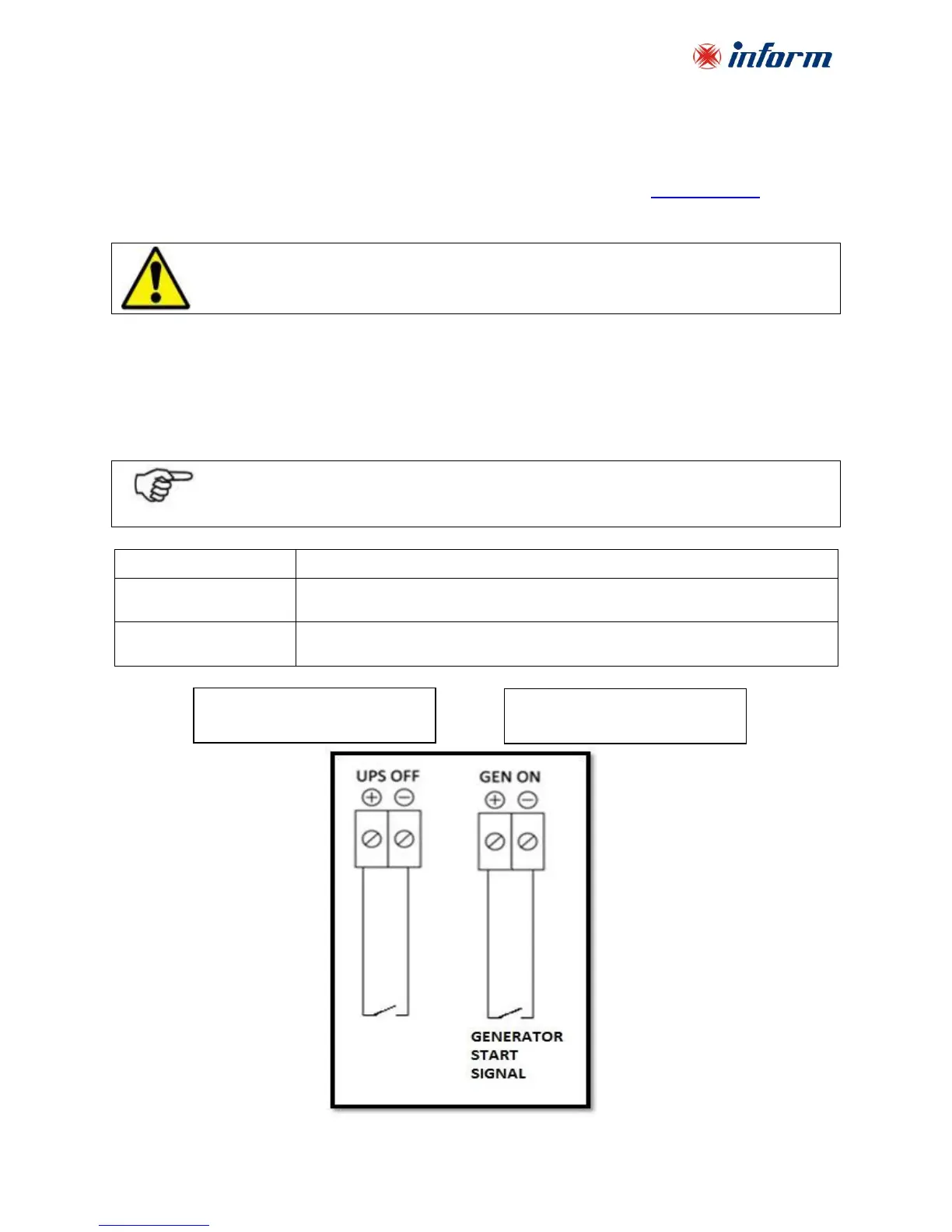
Upon request, UPS can be remote shut down and can make softstart to prevent the generator
loaded instantly when it is ON. For this purpose, there are two terminals on the Interface card
which operate with digital input.
If the UPS OFF Input is activated then UPS stops supplying the load. When
the energy is removed, UPS returns back to NORMAL operation mode.
If GEN ON input is activated, then UPS reduces the absorbed current from
Generator during the transfer from Battery Mode to Normal Mode.
In case of internal SNMP use with UPS, serial communiation port (RS232) is disabled. In order
to activate the RS232 serial port, Internal SNMP should be removed.



 To Next Page