40
7.6. Emergency Power Off (EPO)
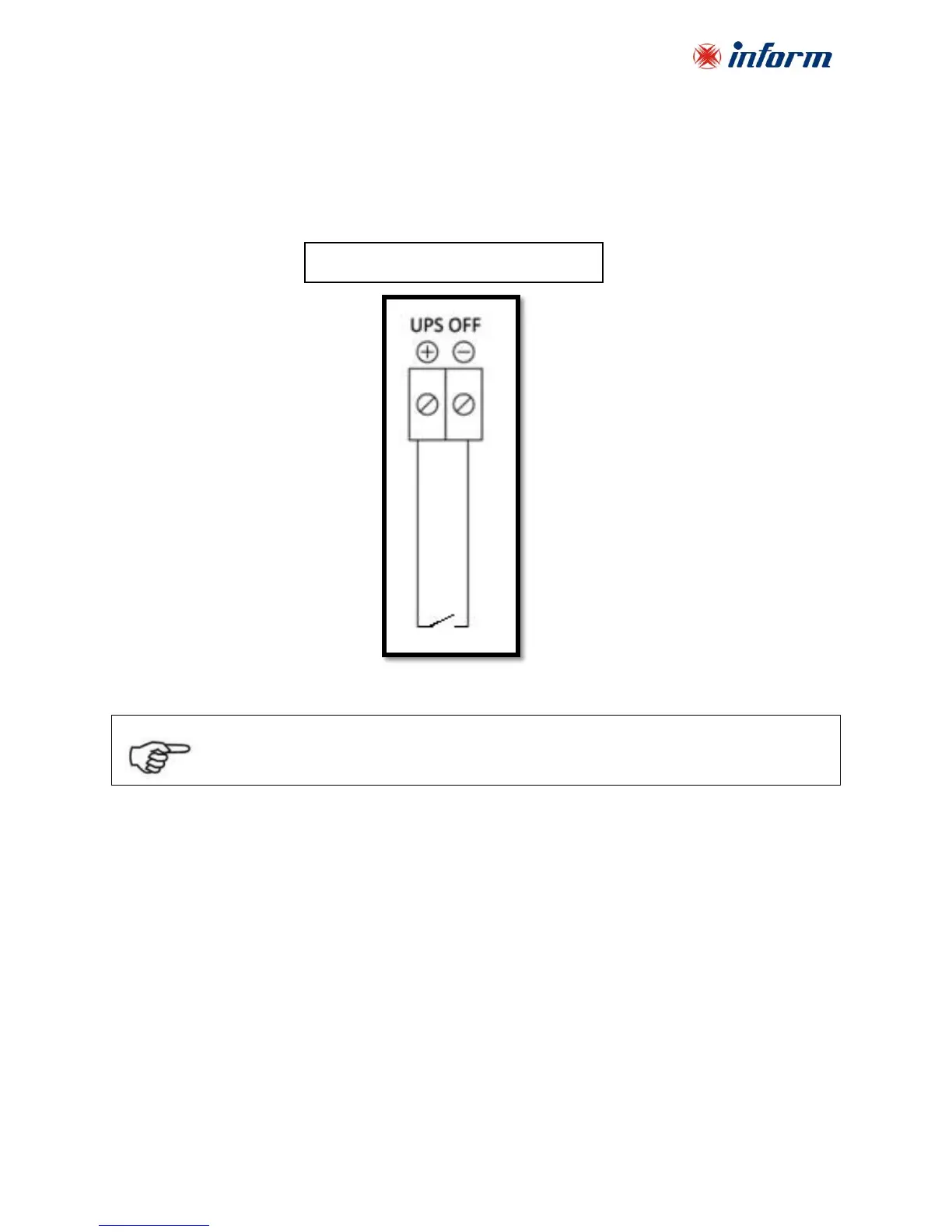
If Remote Control is needed to be done for EPO then a button / locked button can be used like
shown in the below figure.
7.7. Connection to a Generator
If the input power is supplied by a generator, set the digital input “GEN ON” high. This ensures
generator friendly operation by smoothing the increment of the current drawn from the generator,
during transition from battery mode to normal mode.
When this is done, “GEN ON” alarm will be shown.Connection details are given in the
“communication” section.
EPO switch should be placed where unauthorized people can not reach it. Unauthorized use
may cause the load be deenergized.



 To Next Page