x R02 0000 05175/10Copyright © 2018INGENICO INC.
The pairing of the Moby/5500 with your mobile device must be
initiated from the mobile payments application that you are
using. You will not be able to pair the Moby/5500 from the
Bluetooth Settings on your mobile device.
Card reading
Swiping a card
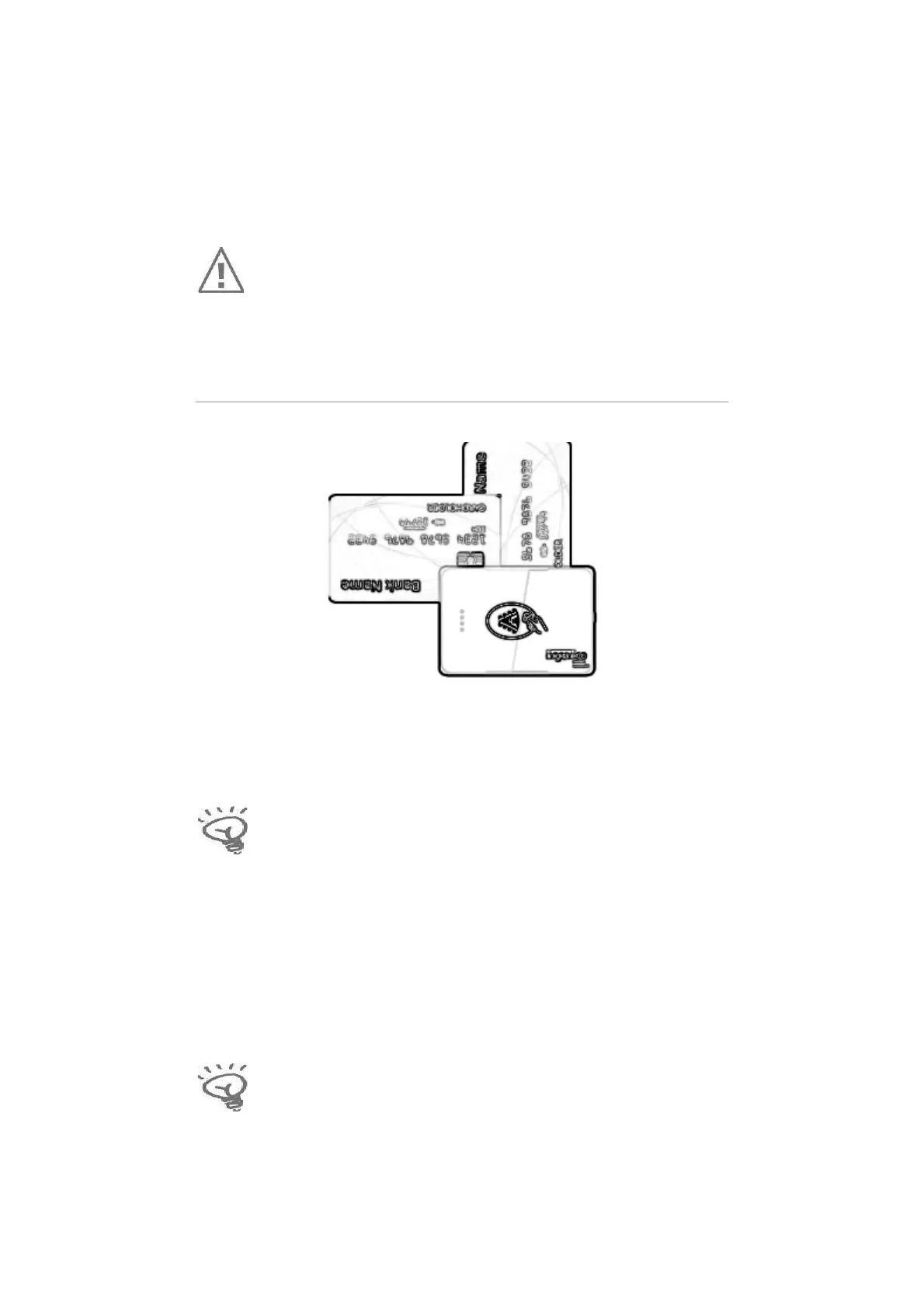
x Insert the card manually in the swiping slot at the top of the
reader, card numbers facing down, as illustrated above.
Swipe the card with constant speed, not too slow not too fast,
for optimum reading accuracy.
Inserting a chip card
x Chip Cards should be inserted into the reader as illustrated, with
the chip facing up and into the card reader slot.
Tapping a contactless card/mobile device
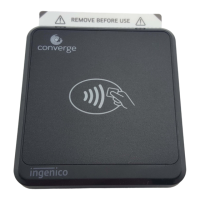
x The contactless antenna is on the front side of the device.
Customers should tap close to the face of the contactless logo to
perform transaction.
Tapping works best when the distance between the card/phone
and the Moby/5500 is less than 1.5 inches.


 To Next Page