his/her own DNS servers.
GNSS Settings
Users can enable the GNSS function here.
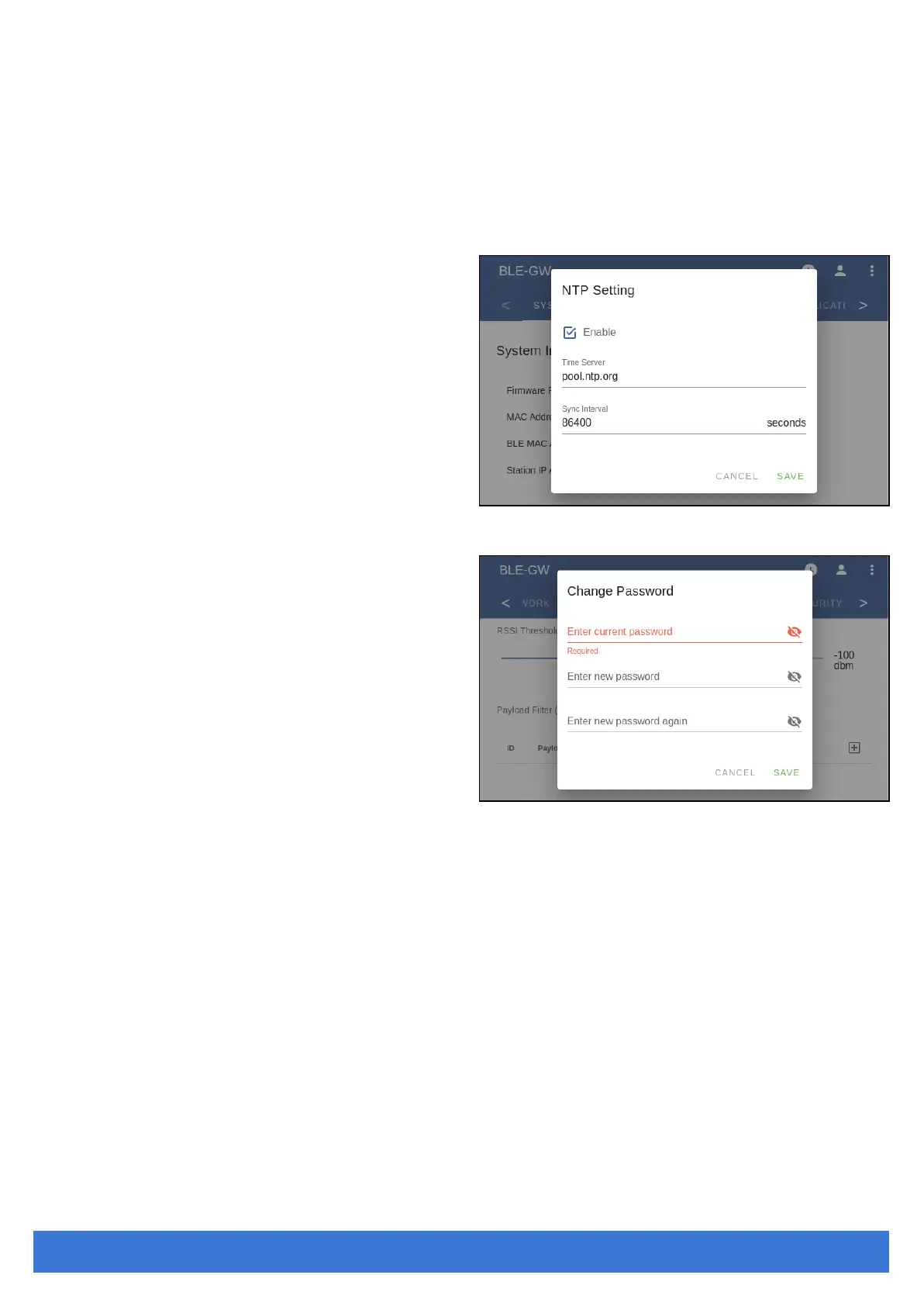
NTP Setting
To open the NTP Setting UI, click the “clock”
icon in the UI header. User has to set the time
server and the update period to enable NTP.
Login Password
One can change the login password from the
“people” icon on the UI header. Be aware that
it changes the login password of the telnet
console, too.



 To Next Page