Web User Interface
You can review current configuration or modify it on the web UI. There are various function
groups listed on the top of UI.
Any change in the page needs to be saved first before switching to another page, otherwise the
modification will be lost. And after all changes made, click reboot to make the changes effective.
System
Display firmware and device information, including MAC address and IP address in station mode
are shown here.
Wi-Fi
Users can configure iGS03M’s WiFi device as an WiFi AP or join to the other AP. The related
settings can be managed on this page.
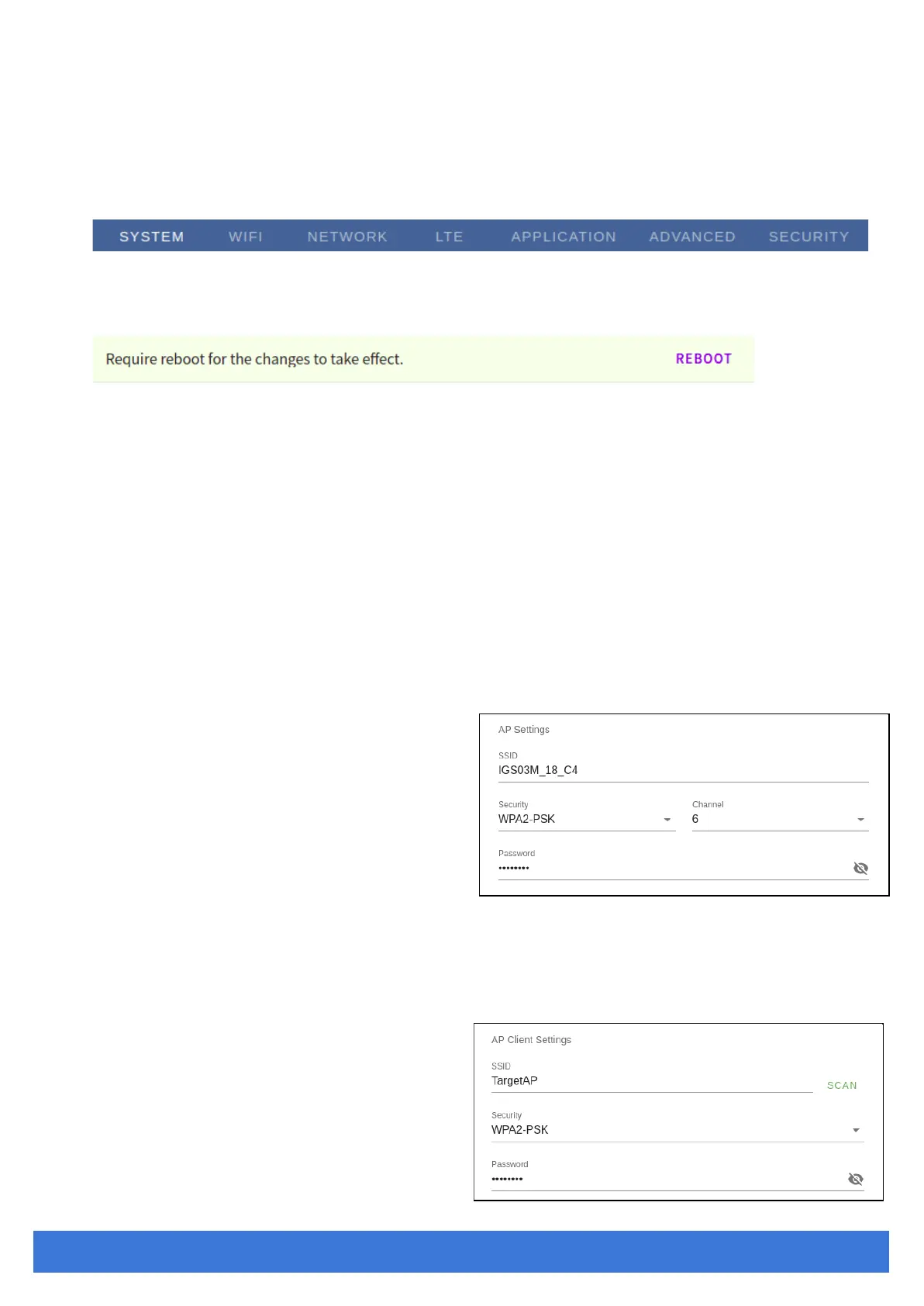
AP Mode
SSID: The default name is IGS03 plus
the last digits of the mac address.
Security: Open, WPA-PSK, WPA2-PSK
and WPA-PSK/WPA2-PSK are
supported. WPA2-PSK is
recommended.
Password: 8-63 characters can be
input
Channel: 1~11(ch12 and ch13 could be supported by request)
Station Mode
This mode is used for transferring
data by *WiFi.
Scan: Click it to scan available APs.



 To Next Page