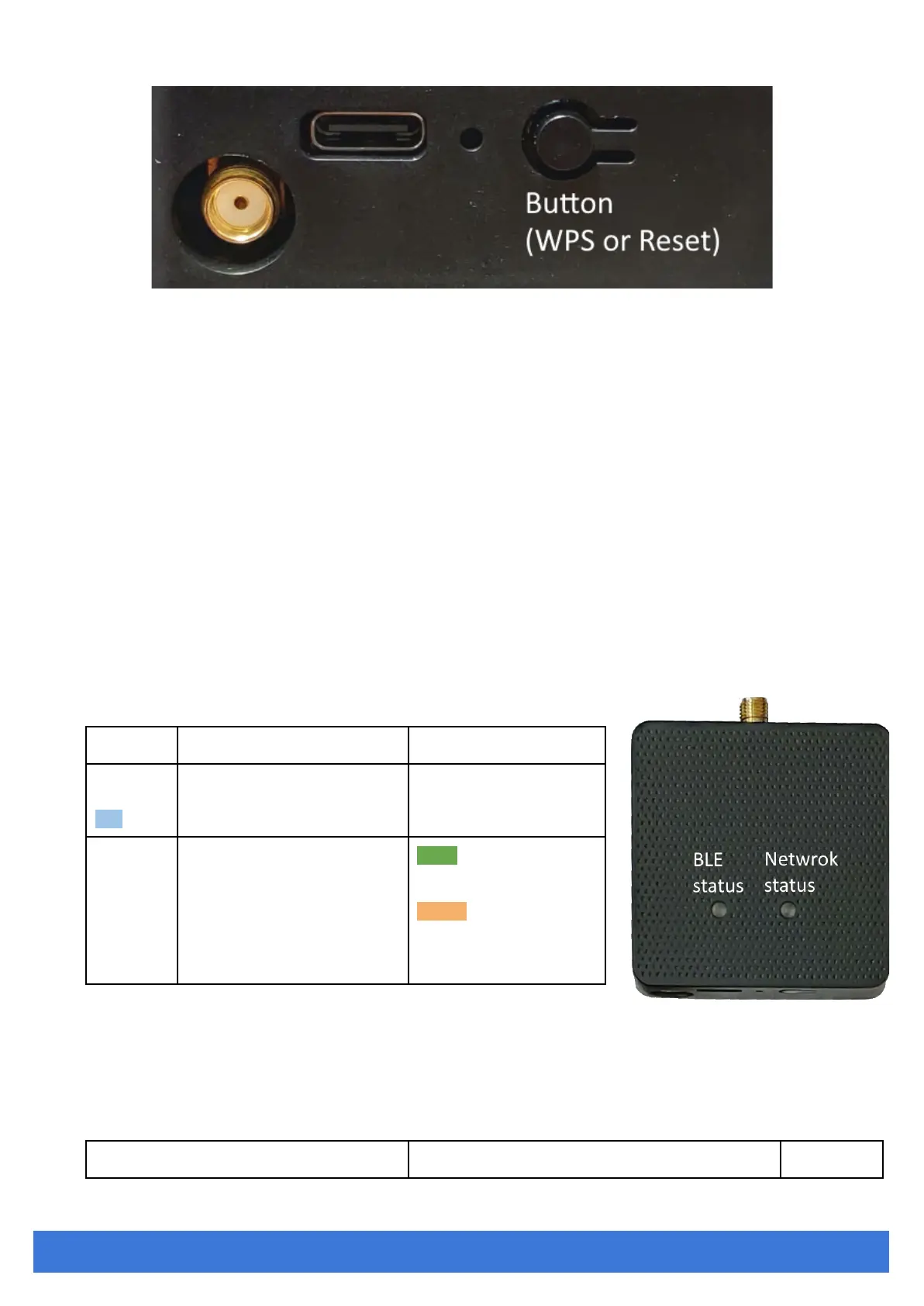
Reset to Default
Pressing the reset button on your device for over 3 secs to retrieve the default setting. While the
network status LED turns into red light, release the button, and the iGS03M will reboot with its default
settings.
WPS
Users can use the WPS button to join iGS03W/M to the WiFi Access Point. First press the WPS
button on your Access Point, when it is ready, then press the WPS button for over 1 sec on the iGS03M
device to join the Access Point.
LEDs
There are two LEDs indicating the current status. The left one is BLE status LED and the right one
is Network status. Below are their behaviors.



 To Next Page