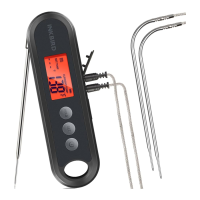
Press and hold the button for 2 seconds to enter the
menu for function setting. During the setting process,
press the button to choose functions; press and hold the
button for 2 seconds to quit and save setting changes.
Press the button to turn on the device. In normal
mode, press and hold the button for 2 seconds to turn off
the device. In setting mode, press the button to decrease
the value of parameters; long press the button to quickly
decrease the value of parameters.
In normal mode, press the button to lock or unlock
the value of current temperature; press and hold the
button for 3 seconds to switch the display of 3 channels.
In setting mode, press the button to increase the value of
parameters; long press the button to quickly increase the
value of parameters.
05
Key Definition
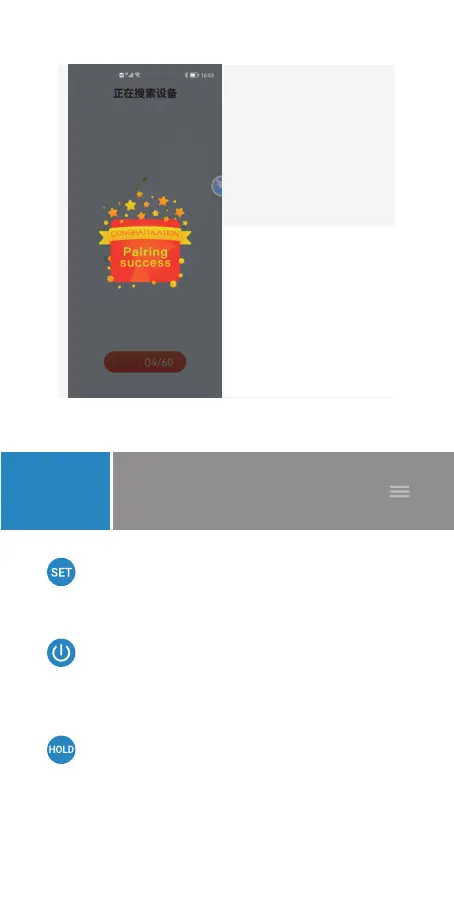
Search for a device
F
Connect
successfully.
G
- 06 -


 To Next Page