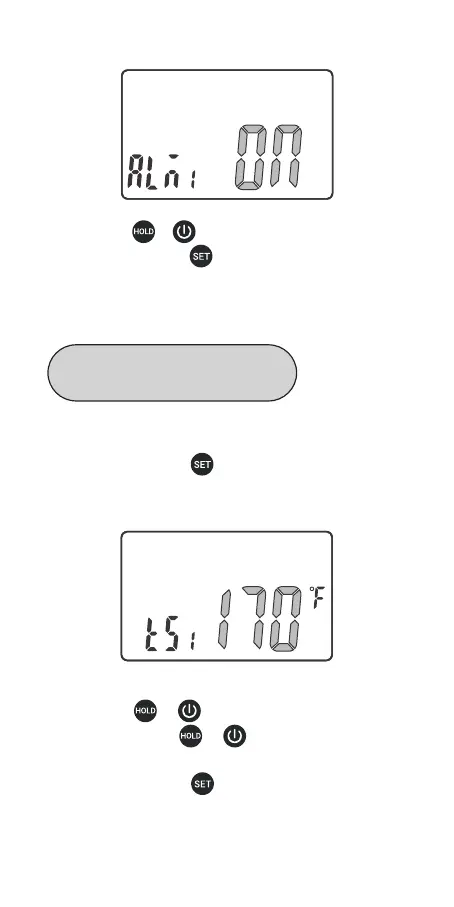
Step 1: press and hold button for 2 seconds to enter
the menu for function setting, then press the button to
choose TS1 function.
Step 2: press or button to decrease or increase
the value; long press or to quickly decrease or
increase the value.
Step 3: press and hold button for 2 seconds to quit
and save changes. (All changes will be automatically
saved if there is no operation in 30 seconds.)
Step 2: press or button to choose ON or OFF.
Step 3: press and hold button for 2 seconds to quit
and save changes. (All changes will be automatically
saved if there is no operation in 30 seconds.)
09
Alarm Value Setting for P1
(the External Probe 1)


 To Next Page