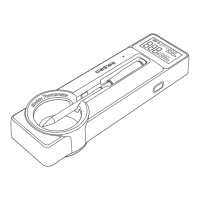
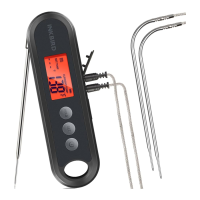
Automatically: The device is automatically turned on by
unfolding the built-in probe. It is turned off when you fold
the probe back.
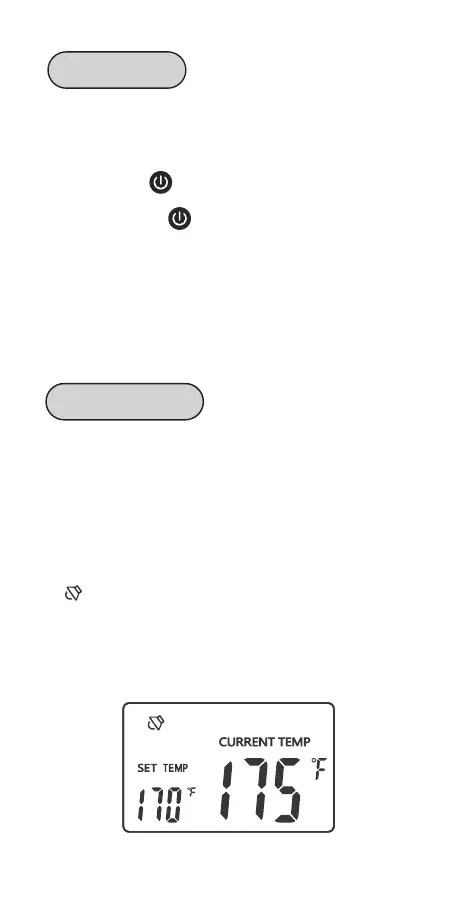
Manually: Press button to turn on the device.
Regardless of the probe being folded or unfolded, you
can press and hold button for 2 seconds to turn off
the device.
Auto Reboot: In probe being unfolded state, the device
will automatically sleep if there is no operation or no
dynamic of current temperature over 3 minutes. In that
situation, if the temperature suddenly changes, the device
will automatically return to work.
When you set ALM as OFF, the alarm function is off, and
the screen only displays the current measured tempera-
ture.
When you set ALM as ON, the alarm function is on, and
the screen displays the alarm value (TS) and the current
measured temperature.
A symbol will appear on the screen if the current
temperature reaches the alarm value (TS). Meanwhile,
the device will alarm you with a “bi-bi-bi” sound repeating
at an interval of 2 seconds. And the backlight will keep
active for 30 seconds.
14
Turn On/Off
Alarm Function


 To Next Page