How To Cancel The Alarm: ➀ Press any button to cancel
the alarm; ➁The alarm will automatically stop if the
temperature goes lower than the alarm value.
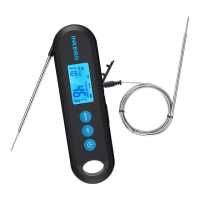
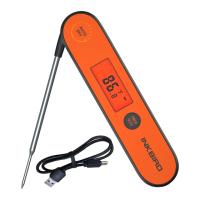
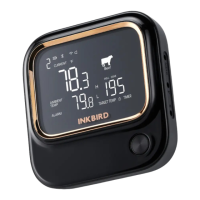
Backlight helps you check data conveniently. Without any
operation, the backlight will keep activated for the time of
BLT parameter, then be off automatically . You can press
any button to activate it when it’s off. If you unfold the
probe, the backlight will be activated automatically when
the probe detects a temperature change.
15
Backlight


 To Next Page