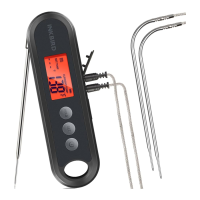
When you set ALM1 (or ALM2) as OFF, the alarm function
of P1 (or P2) probe is off, and the screen only display the
current measured temperature.
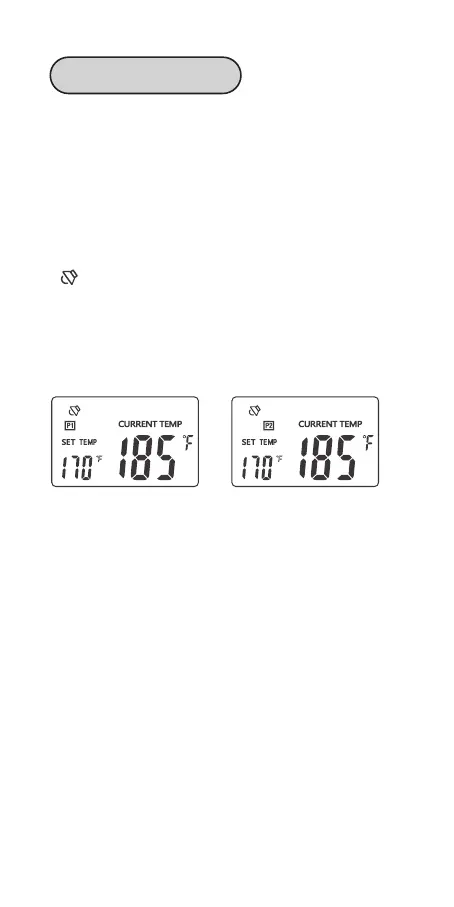
When you set ALM1 (or ALM2) as ON, the alarm function
of P1 (or P2) probe is on, and the screen displays the
alarm value of P1(or P2) probe (TS1/2) and the current
measured temperature.
A symbol will appear on the screen if the current
temperature reaches the alarm value (TS1/TS2).
Meanwhile, the device will alarm you with a “bi-bi-bi”
sound repeating at an interval of 2 seconds. And the
backlight will be activated for 60 seconds.
How To Cancel The Alarm:
➀ Press any button to cancel the alarm;
➁ The alarm will automatically stop if the temperature
goes lower than the alarm value.
Note:
When you use the external probes, please
1. Place the external probes inside the oven if you use an
oven;
2. Make sure the external probes are inserted into the
thickest center part of the meat; Avoid bones and fat;
3. Make sure the probe cables stay away from extrusion
and fire;
4. Place or hang the thermometer away from the fire.
18
Alarm 1&2 Function


 To Next Page