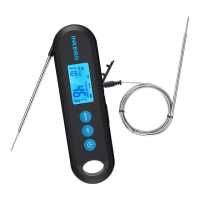
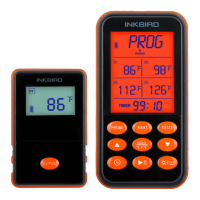
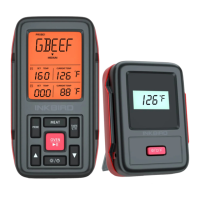
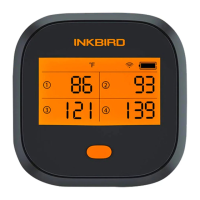
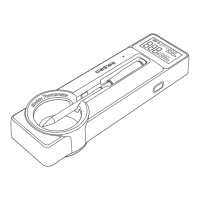
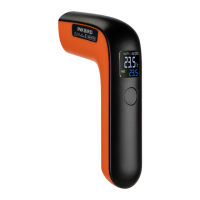
Backlight helps you check data conveniently. Without any
operation, the backlight will keep activated for the time of
BLT parameter, then be off automatically . You can press
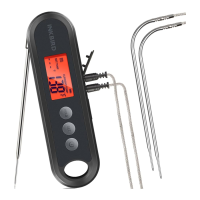
any button to activate it when it’s off. If you unfold the
probe, the backlight will be activated automatically when
the probe detects a temperature change.
Press and hold button for 3 seconds to switch to
display data of the built-in probe. The screen will
automatically return to display data of the current
channels in 20 seconds if there is no more manual
switchover.
19
Backlight
Display Switch Over


 To Next Page