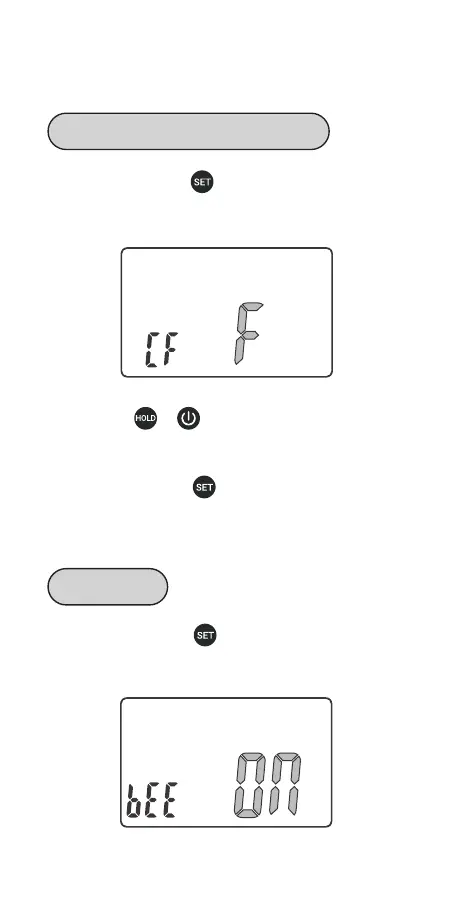
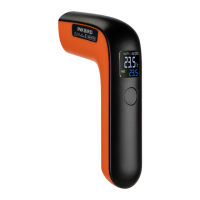
Step 1: press and hold button for 2 seconds to enter
the menu for function setting, then press the button to
choose CF function.
Step 1: press and hold button for 2 seconds to enter
the menu for function setting, then press the button to
choose BEE function.
Step 2: press or button to choose ℃ or ℉.
NOTE: All parameters will be restored to their default
values once you change the temperature unit.
Step 3: press and hold button for 2 seconds to quit
and save changes. (All changes will be automatically
saved if there is no operation in 30 seconds.)
05
Parameter Setting Guide
Temperature Display Unit of ℃/℉
Key Sound


 To Next Page