Inkbird Smart APP Setting
05
5.1 Download the APP
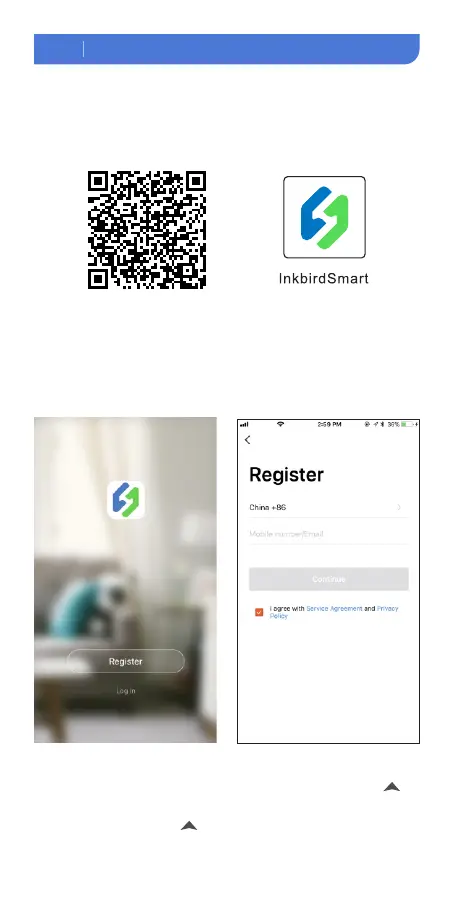
Search the keyword “InkbirdSmart” in Appstore or Google Play, or scan the
following QR code to download and install the APP.
5.2 Pair with your phone
① Open the app, it will ask you to register or log in your account on the APP.
Select the country and enter your Mobile number or Email to finish the
registration. Then press “Add Home ”button to create your home.
②Tap “+” or “add device” button in home page of the APP to add the device.
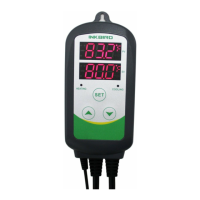
③If the controller is in the normal working state, you can long press 2
seconds to reset the WIFI. It will enter the Smartconfig configuration state by
default. You can short press to switch the Smartconfig configuration
state and the AP mode. If you change the WIFI state, it will take about5
WI FI
WI FI


 To Next Page