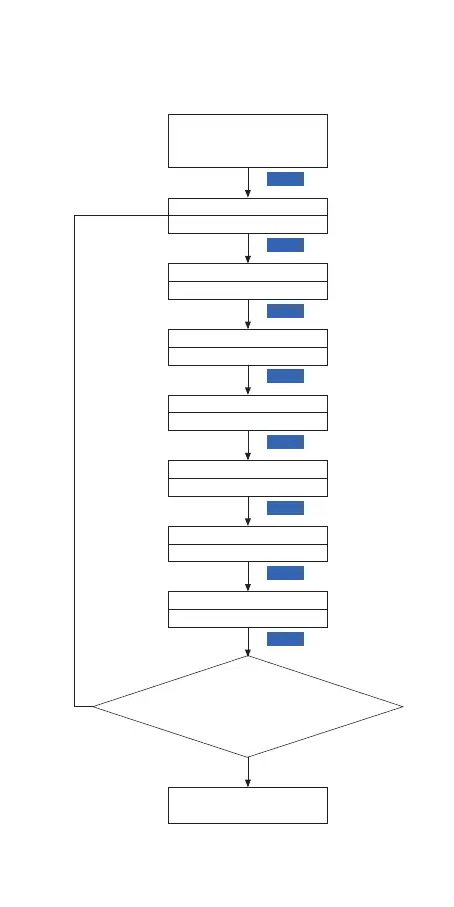
6.2 Menu Setting Flow Chart
Press “SET” Key for over 2
seconds to enter parameters
setting mode
TS1
77.0℉
TS2
78.0℉
AH
212℉
AL
-40.0℉
SET
SET
SET
SET
CT
6
SET
CA
0.0℉
SET
CF
F
SET
No Key for 30 seconds or Presss
“SET” key for over 2 second ?
SET
Working normally
Y
N
Temperature Unit
Temperature Calibration
Contiunous heating time
Alarm Low Limit
Alarm High Limit
Temperature Set Value2
Temperature Set Value1
the setting state, it will exit and save the setting state, then return to the
normal working mode.


 To Next Page