Falcon User Manual
7
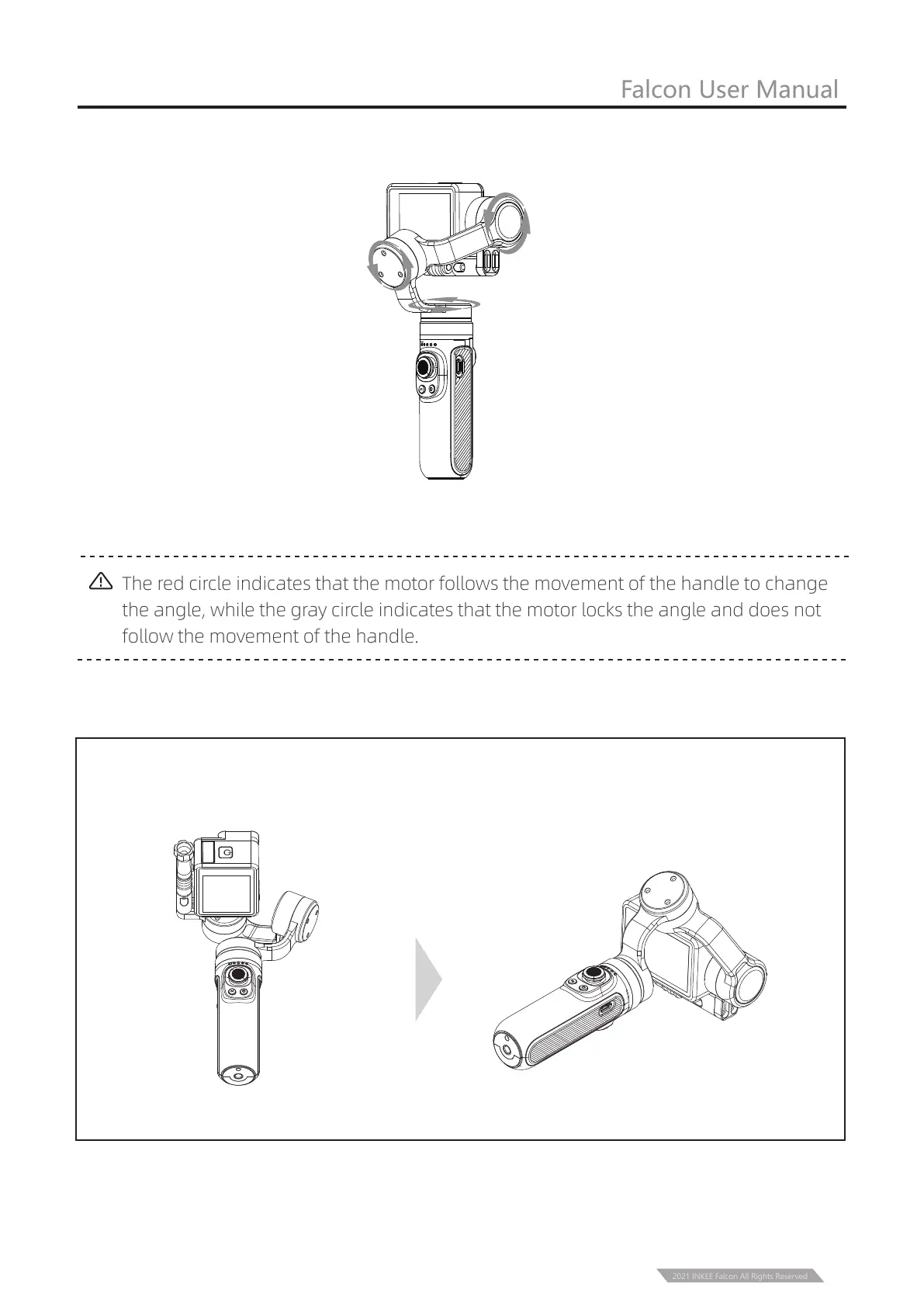
The red circle indicates that the motor follows the movement of the handle to change
the angle, while the gray circle indicates that the motor locks the angle and does not
follow the movement of the handle.
Double click to enter vertical shooting mode, double click again to ener Flashlight
Mode. Single click to exit to HL mode.
Vertical Shooting Mode
Flashlight Mode
② Lock Mode
PF
HL FPV
FL
③ Vertical shooting Mode and Flashlight Mode
Pan and Tilt Locked Mode
Long press trigger button
Locked direction
2021 INKEE Falcon All Rights Reserved



 To Next Page