10
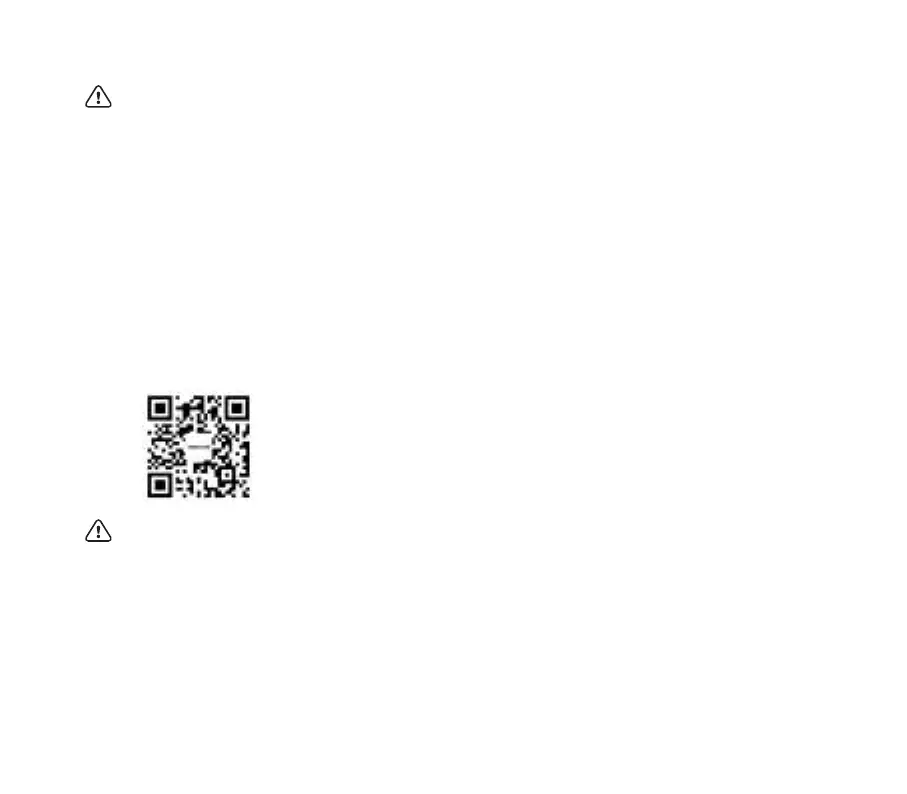
Download INMOTION App
Download the App in the following ways
1. Scan the QR code on the left
2. Search "INMOTION" in the Apple store or Google Play Store.
3. Visit www.inmotionworld.com/support/app
Electric Unicycle supports Bluetooth 5.0 BLE. The BLE ID is E25-XXXXXXXX, where XXXXXXXX is the last 8 digits of SN.
Install the INMOTION App on your mobile device (iOS 12.1 and above or Android 7.0 and above supported) and follow the
prompts to connect your Electric Unicycle.
For more functions, please visit the official website to download the latest version of INMOTION App user manual.
Warning:
• Before using the Electric Unicycle, ensure that the battery is fully charged. It is recommended to charge it more than 80
percent of capacity.
• Bej`]nah]perahuklaj]j`Û]p]na]pkln]_pe_ane`ejc($]pha]op0i^u0iej]na]%(^kpdejoe`a]j`kqpoe`a*Ukqjaa`pk
be fully aware of the riding environment around you to ensure that you are not disturbed by obstacles such as cars,
pedestrians, pets, bicycles, etc.
• Ukqjaa`]ogehha`]ooeop]jpopkk`^u*Pda]ooeop]jpiqop^ab]iehe]nsepdAha_pne_Qje_u_ha]j`]hhlna_]qpekjo]j`qo]ca
methods in this manual.
• Please do not ride the vehicle on slippery ground.
• Users are advised to wear comfortable, casual or sports clothing, and to wear flats and warm up to improve your
Ûate^ehepu*
• Be sure to wear a helmet and riding protective gear to avoid injury.
Tips:


 To Next Page