1
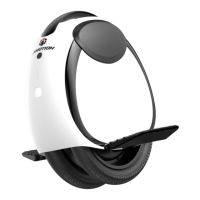
Thank you for choosing the INMOTION electric unicycle(hereinafter referred to as the unicycle)! This unicycle is an
intelligent high-tech entertainment product. When you use the unicycle, there may be situations such as falling or collision
that can cause injury and other risks. To reduce possible risks and ensure the personal and property safety of yourself and
others, you have the responsibility and obligation to carefully read the user manual, fully understand all the warnings and
precautions listed in this manual, and ensure that you can use it correctly. To obtain the latest feature/function information
and safety guidance, please download the electronic version from the official website.
Important! Read carefully and keep for future reference.
Serial number (referred to as SN below) is a unique identifier for each product, which can be used for product warranty,
maintenance, insurance claims, loss confirmation, and so on. The SN is a 16-character numeric code that can be found on
the packaging box label, the body of the product, or in the device information section of the INMOTION App.
Getclosertoyoursellersohecanreferyoutoanappropriatetrainingorganization.
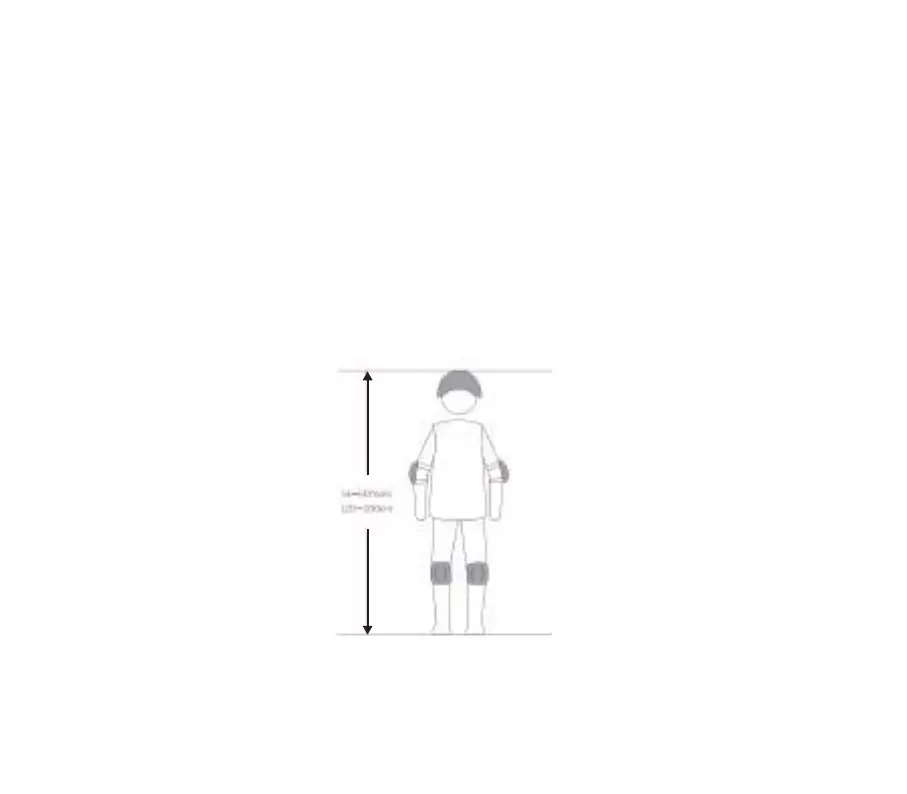
When riding an electric unicycle, please wear a helmet, knee pads, elbow pads, wrist guards and other protective gear
throughout the journey to reduce the risk of injury.
All pictures in this manual are for reference only. Please refer to the actual product for accuracy.
GETTING STARTED
:FBST
DN


 To Next Page